
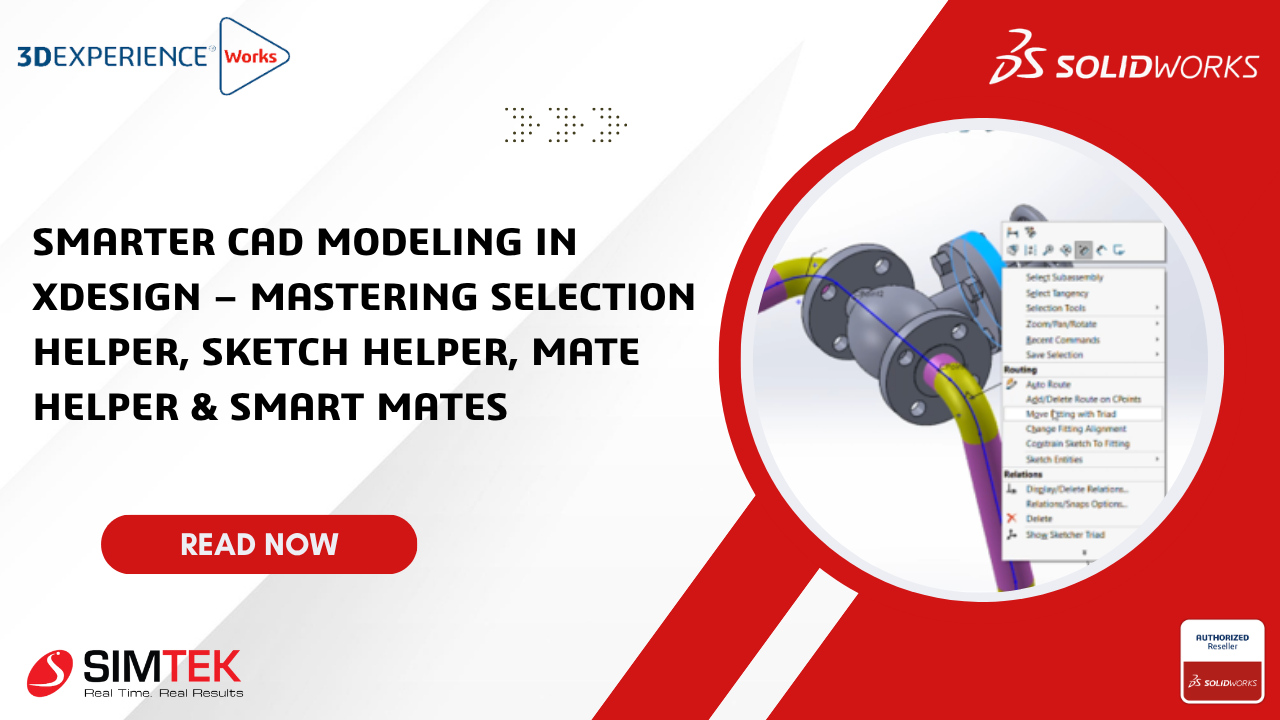
Smarter CAD Modeling in xDesign – Mastering Selection Helper, Sketch Helper, Mate Helper & Smart Mates
Smarter CAD Modeling in xDesign – Mastering Selection Helper, Sketch Helper, Mate Helper & Smart Mates Introduction Modern CAD design is no longer just about creating geometry — it is about designing faster, smarter, and with fewer manual operations.The 3DEXPERIENCE platform and xDesign introduce intelligent helper tools that simplify daily engineering workflows and significantly improve […]
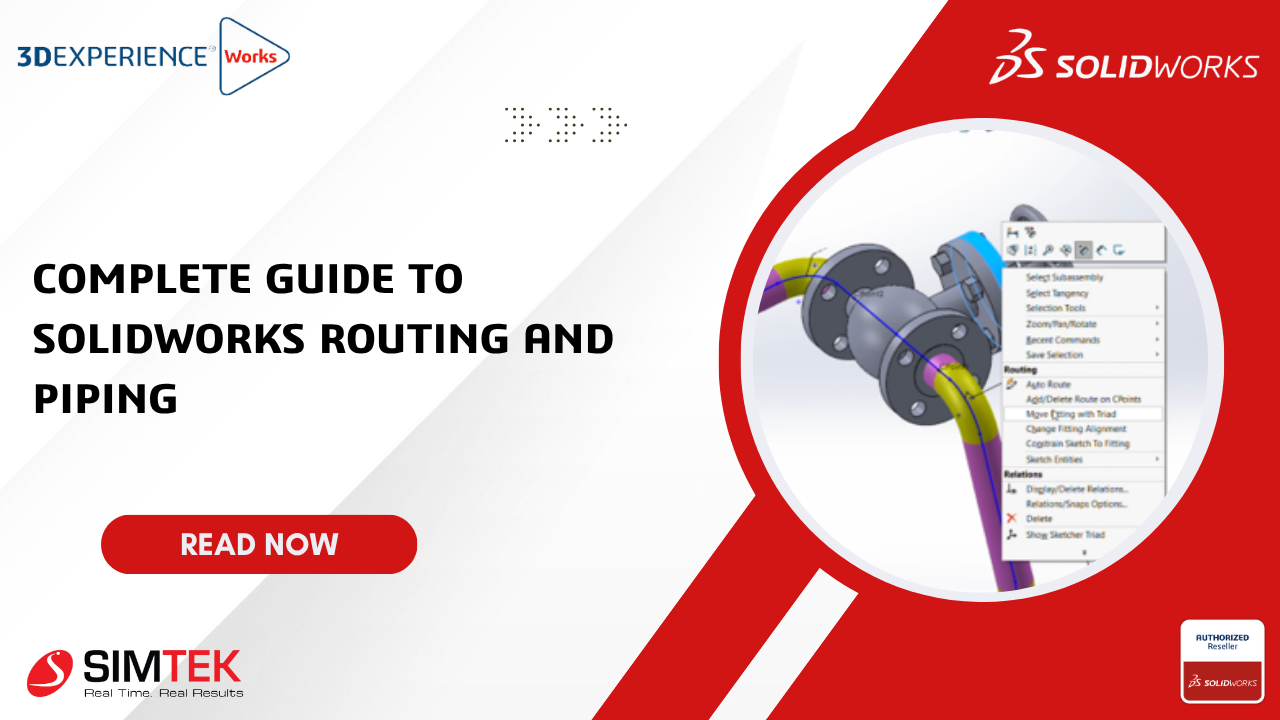
Complete Guide to SOLIDWORKS Routing and Piping
Complete Guide to SOLIDWORKS Routing and Piping In this blog, we will explore the basics of SOLIDWORKS Routing for Pipe Design. In this tutorial, we will cover the following topics: SOLIDWORKS routing and piping will be available in SOLIDWORKS premium only and will not be present in Standard and professional. How to turn on the SOLIDWORKS Routing add-in. How […]

Simplify Electrical Design with Intelligent BOM Navigation
Simplify Electrical Design with Intelligent BOM Navigation In today’s rapidly evolving electrical design environment, speed and accuracy are critical for successful project delivery. Engineers are expected to manage increasingly complex systems while reducing design cycles, minimizing errors, and maintaining high-quality documentation. Yet, many engineering teams still spend valuable time performing repetitive manual tasks such as: […]
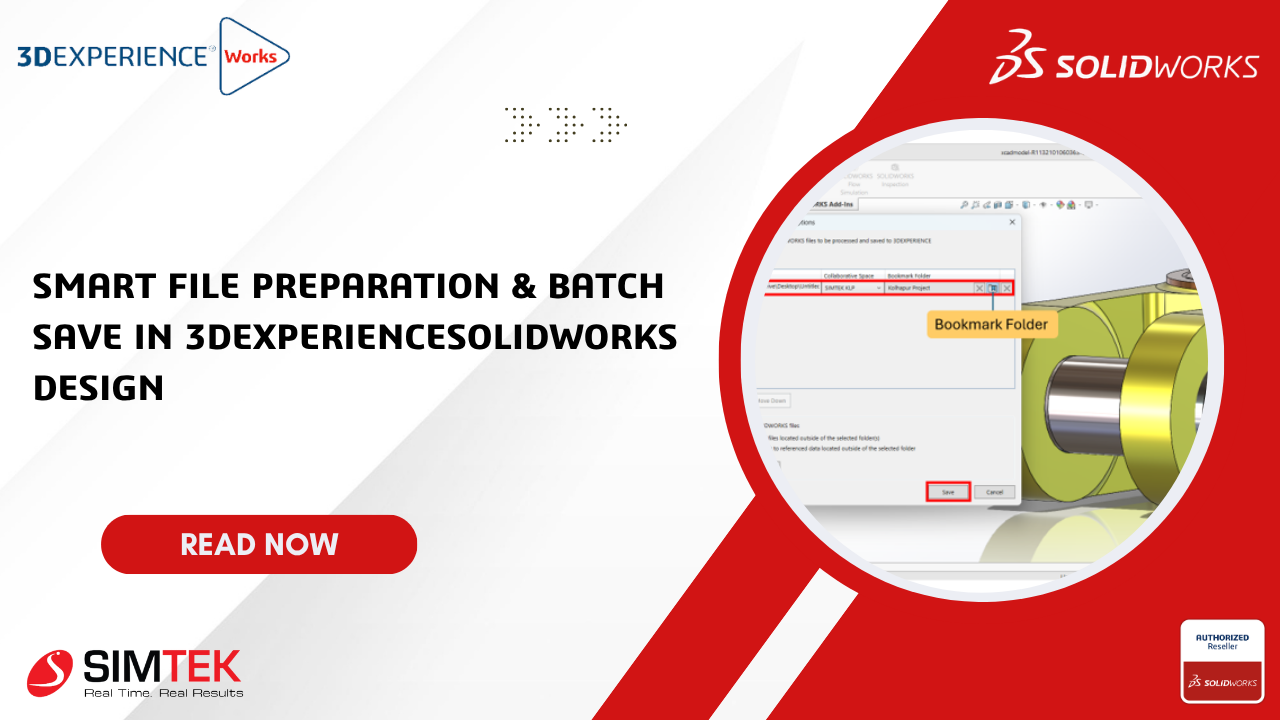
Smart File Preparation & Batch Save in 3DEXPERIENCESOLIDWORKS Design
Smart File Preparation & Batch Save in 3DEXPERIENCESOLIDWORKS Design Introduction Working with large assemblies and multiple design files in SOLIDWORKS can take a lot of time, especially while saving files to the 3DEXPERIENCE platform. The Batch Save feature makes this process fast, easy, and error-free by allowing users to upload multiple files together in one […]
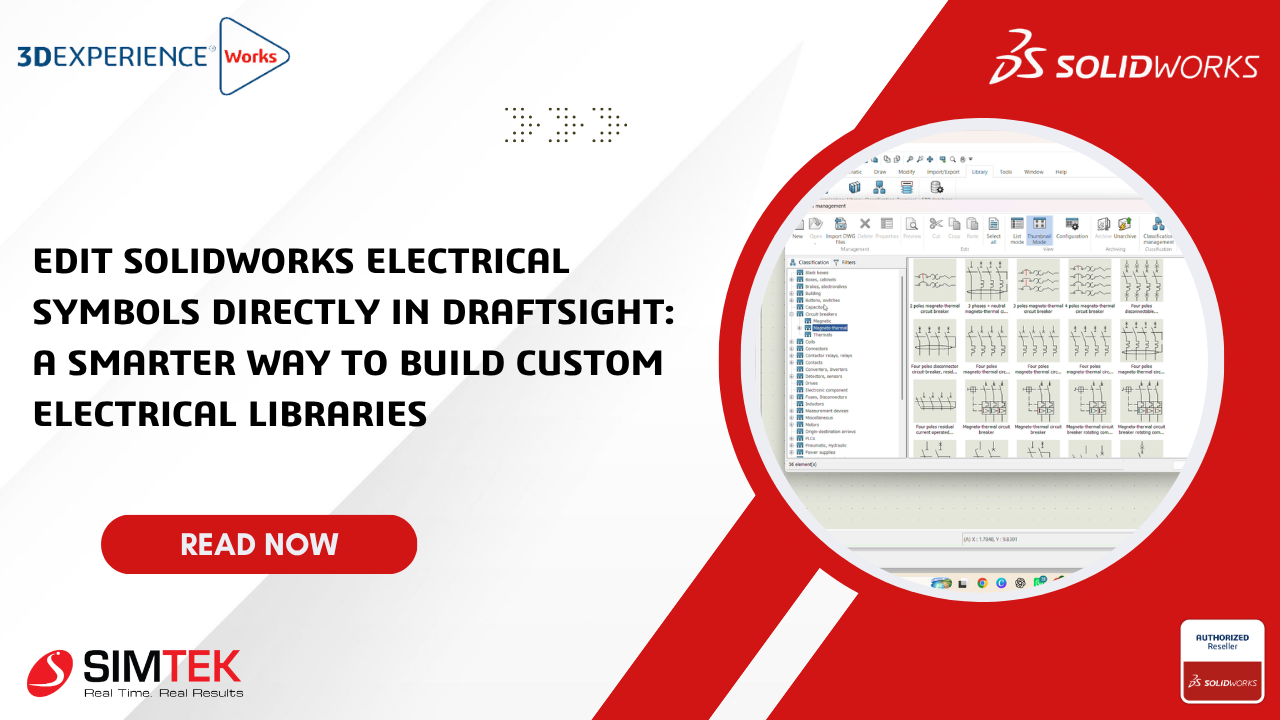
Edit SOLIDWORKS Electrical Symbols Directly in DraftSight: A Smarter Way to Build Custom Electrical Libraries
Edit SOLIDWORKS Electrical Symbols Directly in DraftSight: A Smarter Way to Build Custom Electrical Libraries Introduction In electrical design, efficiency and standardization are essential for delivering projects on time and with high accuracy. While SOLIDWORKS Electrical provides a comprehensive library of intelligent electrical symbols, engineers often need to customize symbols to meet manufacturer specifications, customer […]
How to Add Custom Profiles to the SOLIDWORKS Library (Step-by-Step Guide)
When working with structural members in SOLIDWORKS, the default library might not always meet your project requirements. Whether you’re designing a custom frame, machine structure, or fabrication model, adding your own profiles can save time and standardize your workflow. In this blog, we’ll walk you through how to create and add custom profiles to the […]
SOLIDWORKS 2026: Auto-Generate Drawing (BETA) – The Future of Drawing Creation
Revolutionizing Drawing Creation in SOLIDWORKS 2026 with Auto-Generate Drawing SOLIDWORKS 2026 introduces a groundbreaking feature in drafting automation: Auto-Generate Drawing (BETA) — a beta/preview-stage tool that automates the creation of 2D drawings from parts and assemblies. This isn’t the traditional “Make Drawing” dialog — it’s a new, AI-powered workflow designed to skip the blank sheet […]
How to Route Selected Wires in SOLIDWORKS Electrical
Routing only the selected wires instead of routing the full project is one of the most time-saving improvements in SOLIDWORKS Electrical 2026. This feature is perfect for large projects, modification work, and design updates where you don’t want to re-route the entire harness. Why Use the Route Selected Wires Option The Route Selected Wires option […]
Customized Report on SOLIDWORKS Electrical
Customized reports in SOLIDWORKS Electrical are essential for producing accurate, professional, and customer-ready documentation. They allow engineers to modify default report formats by changing columns, filters, sorting, formulas, and layouts to match company and customer standards. Customized reports reduce manual work in Excel, improve manufacturing accuracy, support audit requirements, and help different teams—such as wiring, […]
SOLIDWORKS – 3D Interconnect and Feature Recognition
Work Seamlessly with Any CAD File in SOLIDWORKS Key Features: Below is a Step-by-Step Guide to Enable 3D Interconnect: Benefits: Conclusion: With 3D Interconnect and Feature Recognition, SOLIDWORKS allows engineers to import parts from other CAD systems and immediately edit them as if they were created in SOLIDWORKS. This saves time, reduces errors, and improves […]