
Edit SOLIDWORKS Electrical Symbols Directly in DraftSight: A Smarter Way to Build Custom Electrical Libraries
Introduction
In electrical design, efficiency and standardization are essential for delivering projects on time and with high accuracy. While SOLIDWORKS Electrical provides a comprehensive library of intelligent electrical symbols, engineers often need to customize symbols to meet manufacturer specifications, customer requirements or company drafting standards. Previously, modifying electrical symbols involved switching between different software applications, manually recreating geometry, and managing separate CAD libraries.
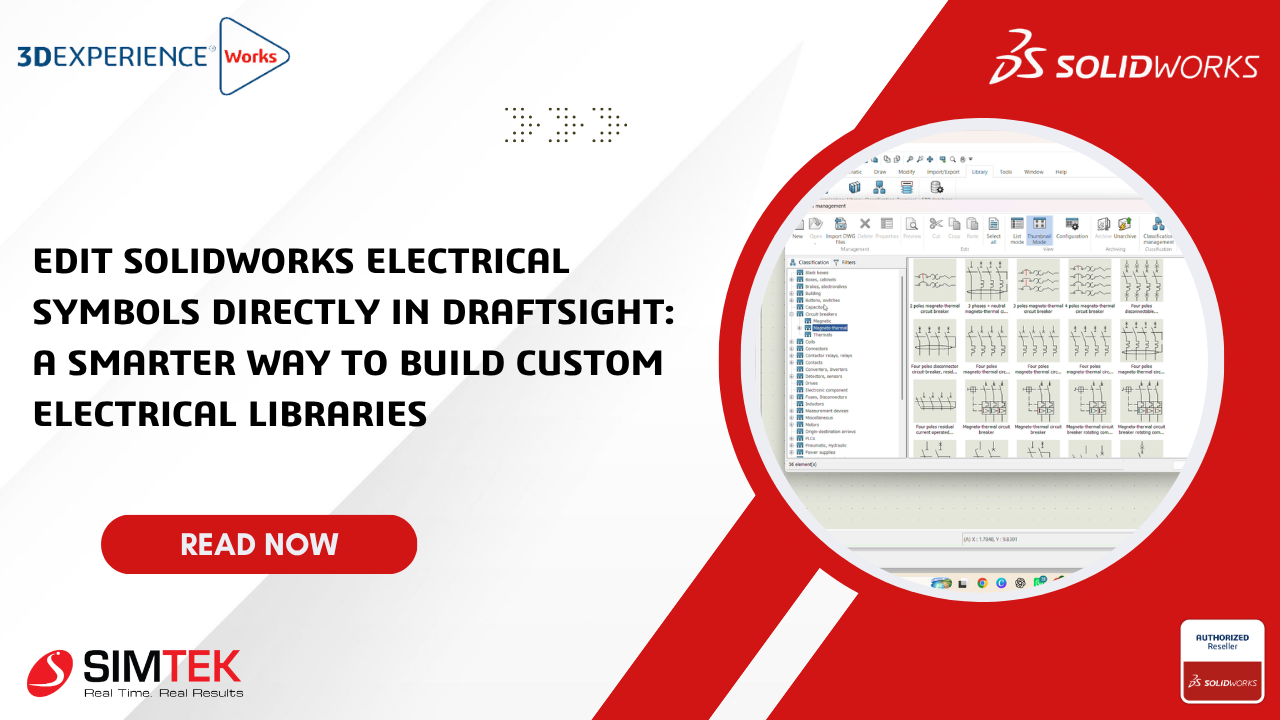
These extra steps increased engineering effort, created inconsistencies and slowed project delivery. With the latest enhancement in SOLIDWORKS Electrical, engineers can now edit electrical symbols directly in DraftSight. This seamless integration provides a faster and more efficient way to create, modify and manage custom electrical symbol libraries while preserving the intelligent data required for accurate electrical documentation.
Why This Feature Matters
Every electrical project is different. Whether you’re designing industrial control panels, automation systems, OEM machinery, or factory equipment, standard symbol libraries may not always include the exact components required.
Engineers frequently need to:
-
Modify existing symbols
-
Create manufacturer-specific symbols
-
Document legacy equipment
-
Update company-standard libraries
-
Standardize symbols across multiple projects
Direct editing in DraftSight allows these changes to be made quickly without rebuilding symbols from scratch.
Challenges of Traditional Symbol Editing
Before this integration, editing electrical symbols often involved several manual processes that reduced engineering efficiency.
Multiple Software Switching: Engineers had to move between different CAD applications and symbol editors, interrupting the design workflow and increasing project time.
Manual Symbol Recreation: New components frequently required symbols to be recreated from scratch, resulting in repetitive engineering work and increased design effort.
Duplicate Libraries: Different departments often maintained separate symbol libraries, making it difficult to standardize documentation across projects.
Documentation Inconsistencies: Non-standard symbols created confusion during manufacturing, commissioning, maintenance, and future design modifications.
Higher Engineering Costs: Time spent recreating symbols reduced the time available for higher-value engineering tasks such as design optimization and project delivery
Key Benefits
Faster Symbol Editing
Engineers can open existing SOLIDWORKS Electrical symbols directly in DraftSight and modify their geometry using familiar CAD tools. This eliminates unnecessary software switching and speeds up the editing process.
Preserve Intelligent Symbol Data
Unlike standard CAD drawings, edited symbols retain their intelligent electrical information, including connection points, insertion locations, and symbol attributes. This ensures compatibility with SOLIDWORKS Electrical projects and supports automated documentation.
Build Reusable Symbol Libraries
Customized symbols can be saved directly into the SOLIDWORKS Electrical library, allowing engineering teams to reuse them across future projects. This helps maintain consistent documentation and reduces repetitive work.
Real-World Example
Imagine an automation company receives a new relay from a customer that is not available in the standard SOLIDWORKS Electrical library.Instead of creating a new symbol from scratch, the engineer can open a similar relay symbol in DraftSight, modify its geometry, update the connection points if necessary, and save it back to the SOLIDWORKS Electrical library.
The updated symbol is immediately available for use in current and future projects, reducing engineering time and ensuring consistency.
Industry Applications
This feature is valuable for organizations involved in:
-
Industrial Automation
-
Control Panel Manufacturing
-
OEM Machine Building
-
Factory Automation
-
Building Management Systems (BMS)
-
System Integration
-
Robotics
-
Special Purpose Machine (SPM) Design
Any organization that frequently creates or modifies electrical symbols can benefit from a faster and more standardized workflow.
Conclusion
Direct Symbol Editing in DraftSight is a significant enhancement for SOLIDWORKS Electrical users. It enables engineers to modify intelligent electrical symbols within a familiar CAD environment while preserving the data required for accurate electrical schematics.
By simplifying symbol customization, reducing repetitive tasks, and supporting standardized libraries, this feature helps engineering teams improve productivity, maintain design consistency, and accelerate project delivery.
For organizations focused on efficient electrical design, it offers a smarter way to build and manage custom electrical libraries.