
CREATION OF DEFAULT TERMINAL SYMBOL IN SOLIDWORKS ELECRICAL LIBRARY
Creation of a new terminal strip drawing and modifying the default terminal symbol in Solidworks electrical and customizing it according to our specification. In SOLIDWORKS Electrical, you must create and save the symbol in the library, while the system automatically generates the terminal page and dynamically updates component details on the terminal drawing sheet. STEP […]
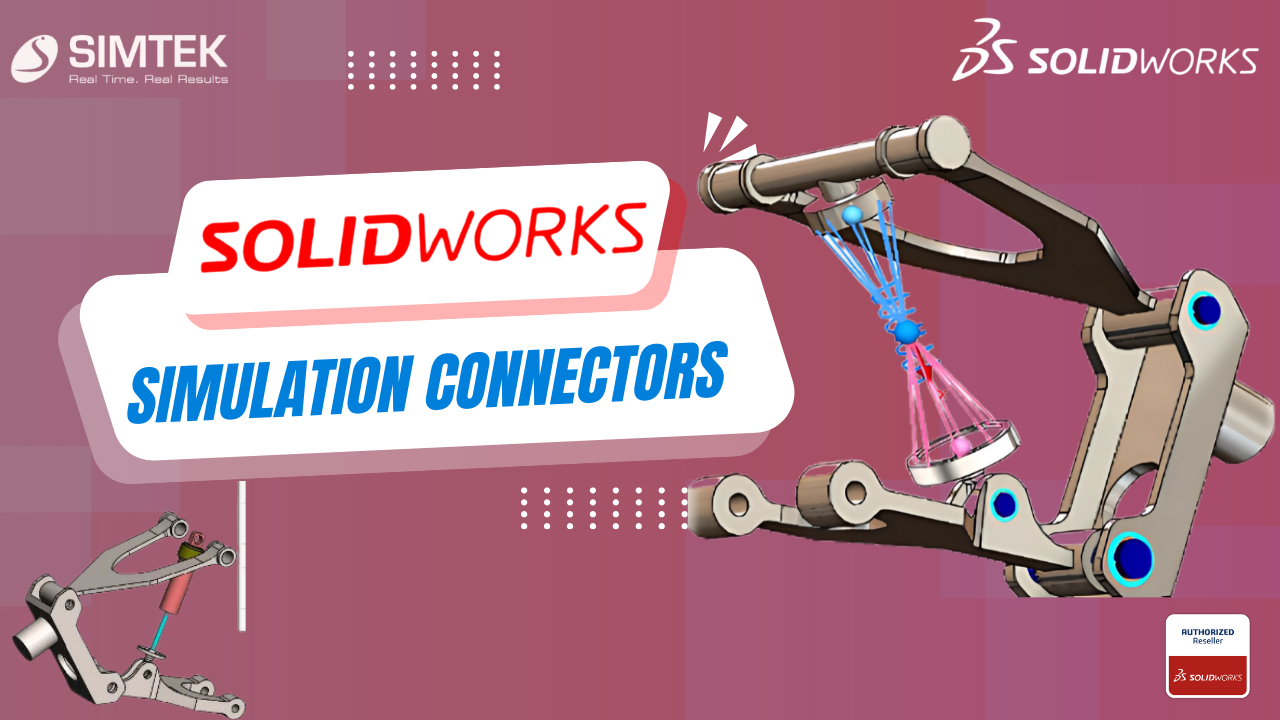
SOLIDWORKS SIMULATION CONNECTORS
Simulation Connectors may be used to simplify behaviour without including a physical part such as a bolt or pin. This is a primer on the different types of connectors available in SOLIDWORKS Simulation. Types of Connectors Springs There are 3 types of Springs: Pin An assembly consists of multiple parts connected to each other with […]
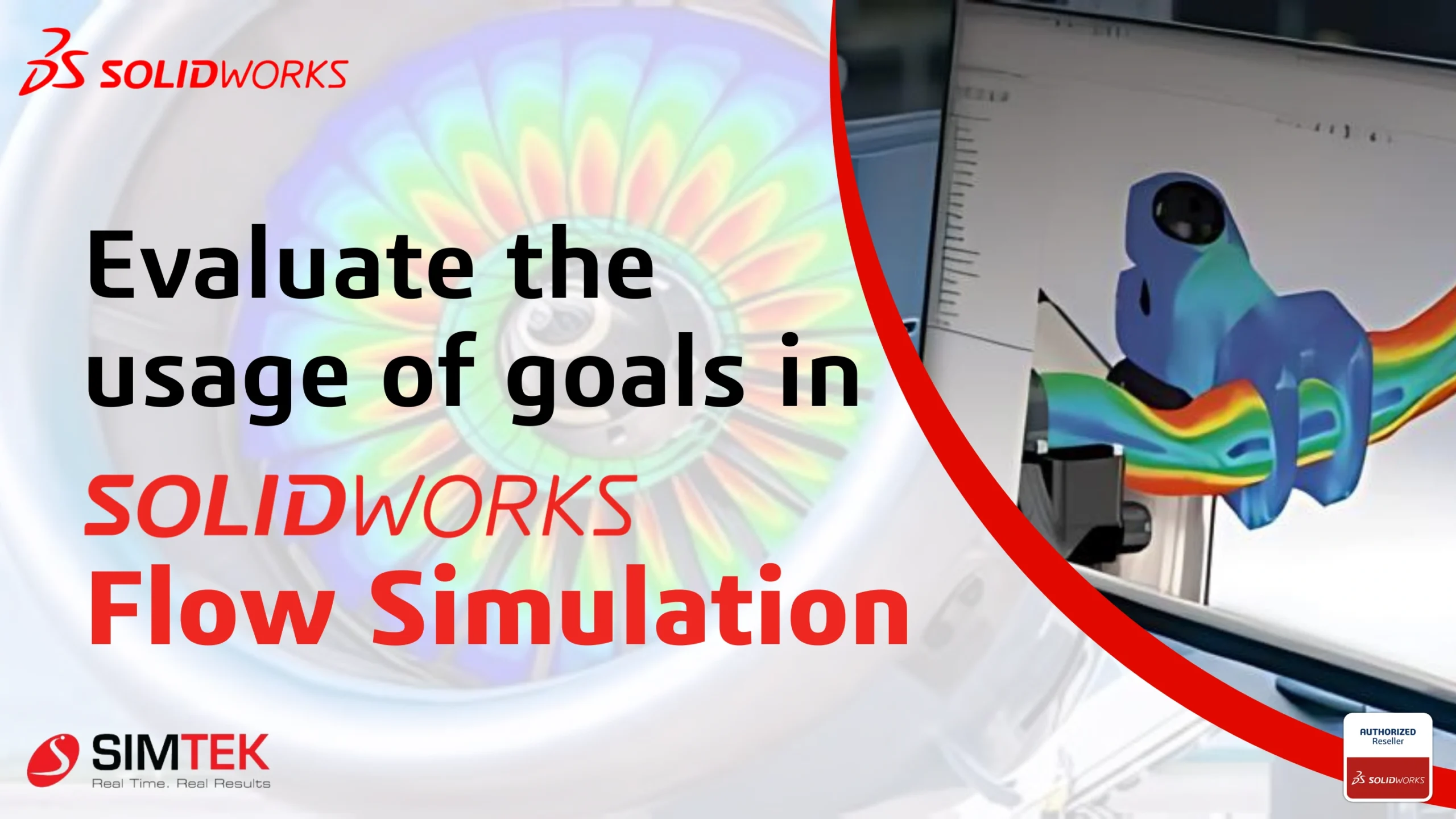
Evaluating Thermal Behavior Using SolidWorks Flow Simulation
Introduction This blog is for you if you’ve experienced Solidworks Flow Simulation but are not aware of Engineering goals or the reasons you want to use them. To address any issues, I will break this blog into 3 sections. PURPOSE OF USING GOALS: Goals primarily define your project, and you can also use them to […]
SOLIDWORKS Electrical terminal creation
SOLIDWORKS ELECTRICAL terminal Creation of a new terminal strip drawing and modifying the default terminal symbol in Solidworks electrical and customizing it according to our specification. In SOLIDWORKS Electrical, the system automatically creates terminal symbols, dynamically updating the origin and destination of wires and component details on the terminal drawing sheet.. STEP 1 Step-by-Step Guide […]
CREATION OF TERMINAL DIAGRAM IN SOLIDWORKS ELECTRICAL
Introduction to Creation of a new Electrical terminal Creation of a new Electrical terminal strip drawing in SolidWorks electrical and customizing it according to our specification. In SOLIDWORKS ELECTRICAL, the creation of terminal drawings is automated, ensuring that the origin and destination of wires, as well as component details, are dynamically updated on the terminal […]
3DEXPERIENCE SOLIDWORKS SHARE AND MARKUP
SOLIDWORKS Share and Markup simplifies design sharing with external stakeholders. They can view, annotate, and share comments on your designs. SOLIDWORKS Share and Markup streamlines collaboration. It allows external stakeholders to interact with your designs by viewing, annotating, and sharing comments. This functionality is available to anyone who has the 3DSwymer, Collaborative Designer for SOLIDWORKS […]
SOLIDWORKS Inspection : Enhancing OCR Accuracy Using Customized DictionariesSOLIDWORKS Inspection
Introduction SOLIDWORKS Inspection software greatly assists in generating quality control and planning documentation. When utilizing the standalone edition of SolidWorks Inspection to balloon PDF or Tiff files and produce inspection reports, encountering a drawing with a non-standard font can lead to potential inaccuracies in dimension and note extraction. Keep reading to learn how to prevent […]
Creation of HIGH RESOLUTION IMAGE using SOLIDWORKS COMPOSER
Introduction Creating a high-quality image of a product using Solidworks composer. After creating an image, you can follow a few steps to transform it into different types of images and ultimately use it to create a video STEP 1 STEP 2 Assembly, Collaboration, Views STEP 3 TRIAD STEP 4 PATH STEP 5 LINEAR DRAG STEP […]
SOLIDWORKS TASK SCHEDULER
In our day-to-day design lives, the designer spends lots of time taking anumber of pins, creating a drawing, and exporting and importing files. SOLIDWORKSprofessional and premium offer to access the SOLIDWORKS task scheduler for helpsyour productivity and work efficiently.The SolidWorks Task Scheduler sets up tasks to perform at a future time. Youcan use SOLIDWORKS Task […]
Create Drawing Templates in Minutes: Leverage Predefined Views in Your SOLIDWORKS CAD Workflow
The world of product development is constantly evolving, and innovative tools like 3D Product Architect (PAU) are pushing the boundaries of Solidworks. This powerful software empowers users to create and modify complex product structures without the need for dedicated design software. This translates to a more inclusive development process, allowing even non-designers to contribute to […]