
Technical Illuminate Your Presentations with xHighlight
In the fast-paced world of digital design and engineering, having the right tools can make the difference between success and obsolescence. Enter xHighlight for 3DEXPERIENCE, a game-changing tool that is set to revolutionize the way designers, engineers and manufacturers approach their projects. This article will delve into how xHighlight enhances the 3DEXPERIENCE platform, offering unprecedented […]
Easy Guide to NC Shop Floor Programmer on 3DEXPERIENCE
Easy Guide to Nc Shop Floor Programmer on 3dexperience If you’re new to machining, the NC Shop Floor Programmer app in 3DEXPERIENCE can be really useful. It helps connect your designs with manufacturing, making it easier to program CNC machines directly. In this blog, we’ll give you a quick guide to get started with this […]
Simplify Manufacturing with XDrawing in 3DEXPERIENCE
XDrawing in 3DEXPERIENCE XDrawing defines, organizes, and communicates manufacturing specifications directly in 3D. This can reduce mistakes, and automate downstream productions such as manufacturing and inspections. The key features of the app are to define, organize, and communicate 3D annotations. It provides access to MBD and 2D drawing environments. It is a web app and you […]
Configuring Your 3DEXPERIENCE Platform for the 2-Factor Authenticator
Configuring Your 3dexperience Platform for the 2-factor Authenticator As digital security becomes more critical, protecting your 3DEXPERIENCE platform with Two-Factor Authentication (2FA) is a smart move. 2FA adds an extra layer of security by requiring not only your password but also a code from an external device, like a phone or an app. Here’s a […]
The Future of Team Collaboration with 3DLEAN on the 3DEXPERIENCE Platform
3DLEAN on the 3DEXPERIENCE platform transforms remote collaboration with dynamic, interactive tools, enhancing team meetings and bridging the gap in distributed work. In an era where remote work has become the norm, the way we collaborate has evolved dramatically. Gone are the days when teams gathered around a physical whiteboard, armed with Post-It notes, brainstorming […]
WHAT’S NEW IN SOLIDWORKS 2025 : DESIGN, COLLABORATION, AND DATA MANAGEMENT
Good news! The latest update of SOLIDWORKS 2025 is now available. The collaboration and data management enhancements listed in this blog post apply to 3DEXPERIENCE SOLIDWORKS, SOLIDWORKS with Cloud Services, and SOLIDWORKS 3D CAD with Collaborative Designer for SOLIDWORKS. 1. Guided Tours for User Assistance Interactively learn about workflows to help you quickly understand basic […]
Kanban board in 3DEXPERIENCE
Kanban Board app uses direct access responsibilities instead of baseline behavior responsibilities, to determine whether you can access a specific Kanban board and whether you have permission to perform specific actions on it. Any user with a license role that includes the Kanban Board app can create a Kanban board. The system automatically assigns the […]

Creation of New Attributes in SOLIDWORKS ELECTRICAL
Creating an attribute in SOLIDWORKS ELECTRICAL and customizing the sheet according to our requirement. Creation of attributes has few steps to follow STEP 1 STEP 2 STEP 3 STEP 4 STEP 5 Summary Know More SOLIDWORKS Electrical Enquire for License Engineering Servies Certifications and Trainings
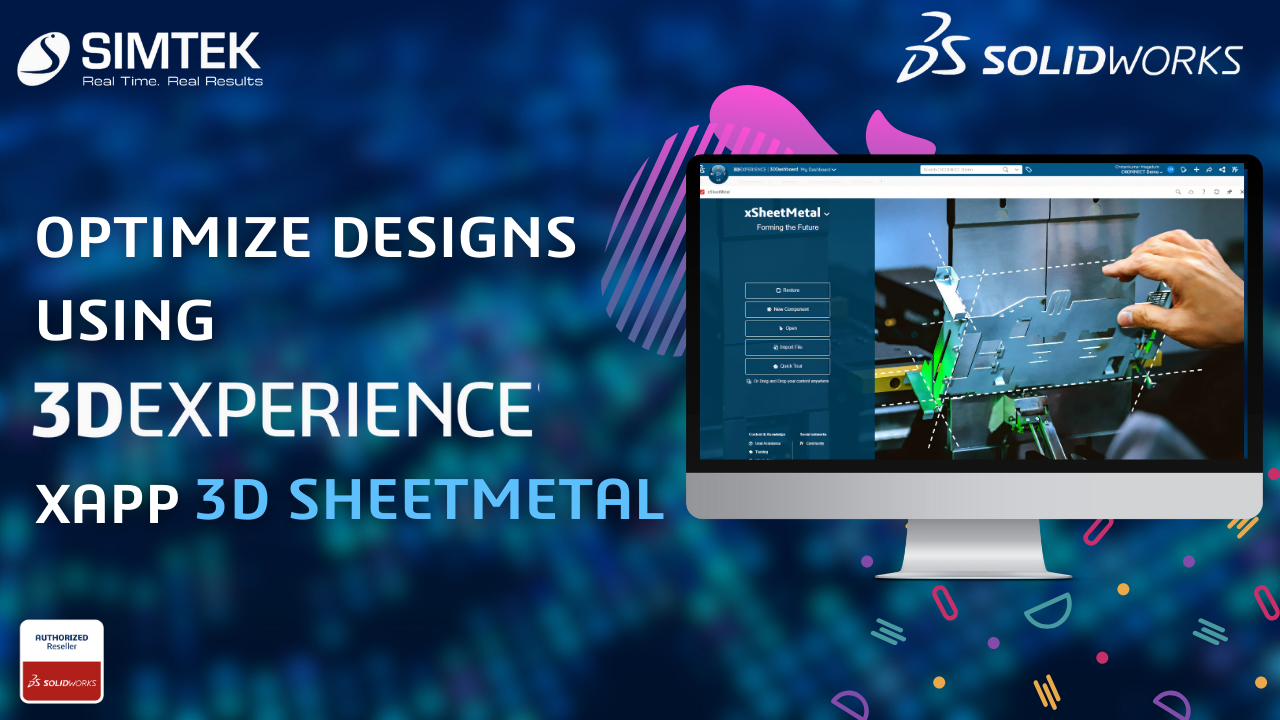
OPTIMIZE DESIGNS USING 3DEXPERIENCE XAPPS: 3D SHEETMETAL
The 3D Sheetmetal Maker is a user-friendly web application that offers parametric associative sheet metal design tools for making enclosures, assemblies, and parts. Quickly releasing sheet metal components to the market is made possible by its dedicated, all-in-one 3D sheet metal design environment, which streamlines the development, storage, sharing, validation, and management of designs. 3D Sheetmetal Maker […]
CREATION OF DEFAULT TERMINAL SYMBOL IN SOLIDWORKS ELECRICAL LIBRARY
Creation of a new terminal strip drawing and modifying the default terminal symbol in Solidworks electrical and customizing it according to our specification. In SOLIDWORKS Electrical, you must create and save the symbol in the library, while the system automatically generates the terminal page and dynamically updates component details on the terminal drawing sheet. STEP […]