

3DEXPERIENCE PRODUCT EXPLORER: ENHANCE
Product Structure Explorer enables you to save your CAD files from cloud directly into your machines with few easy steps. The Product Explorer app comes with the Collaborative Industry Innovator role, allowing easy access with just a few steps. You can use it whether you’re working with SOLIDWORKS Cloud-connected roles, Collaborative Designer for SOLIDWORKS, or […]
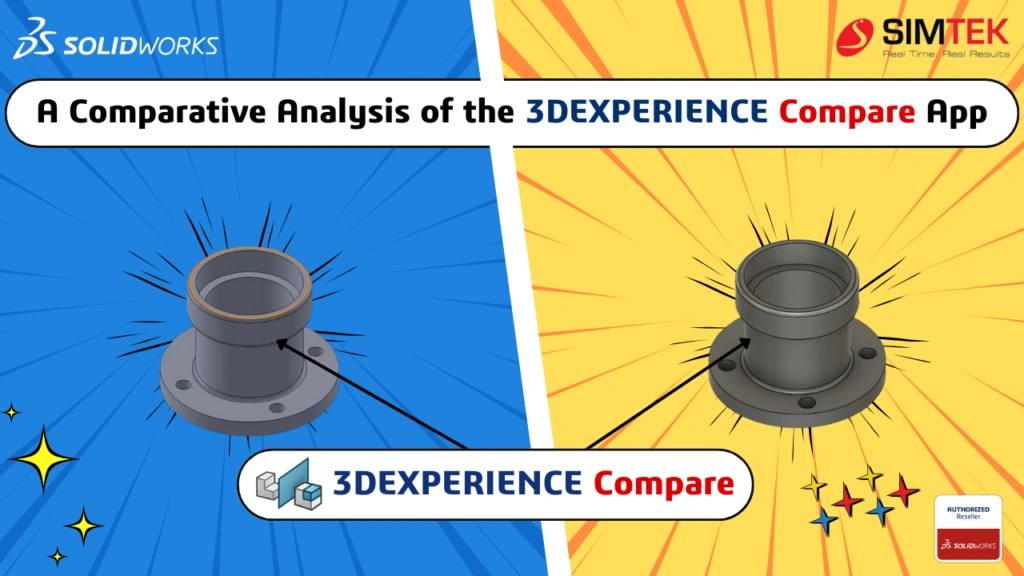
A Comparative Analysis of the 3DEXPERIENCE Compare App
The 3DEXPERIENCE Compare App facilitates visual comparisons between different versions of 3D models and documents. This application helps users quickly identify differences, ensuring they track and manage design changes effectively. Key Features of the Compare App The Compare App boasts a user-friendly interface that allows users to quickly upload and analyze files. This simplicity is […]

A Comprehensive Overview to Microsoft Applications – 3DEXPERIENCE Collaboration
This article thoroughly explains how to control document integrity by leveraging cooperation with Microsoft apps in conjunction with the 3DEXPERIENCE app. We’ll learn how to use Microsoft Documents and its accompanying tools and techniques. Setting up the essentials: Understanding what Collaboration for Microsoft really is: One easy option to batch upload both old data documents directly into designated bookmarks is through […]

DESIGN RULE CHECK IN SOLIDWORKS ELECTRICAL
Creation of a new schematic design in SOLIDWORKS Electrical and checking the accuracy of design by automation. In SOLIDWORKS ELECTRICAL, the creation of drawings has number of automations, to ensure the design is correct an option CHECK(DRC) will be useful. STEP 1 STEP 2 DRC option STEP 3 DRC Management Tab STEP 4 CONFIGURATION SELECTOR […]

SOLIDWORKS PROPERTY TAB BUILDER
The Property Tab Builder is a stand-alone utility for creating a customized interface for adding properties to SOLIDWORKS Parts, Drawings, and Assemblies. Custom Property tab builder is an easy way to enter information to our Parts, Assemblies and Drawings. File Types: You can use multiple property tab builder template for each document type. The file […]
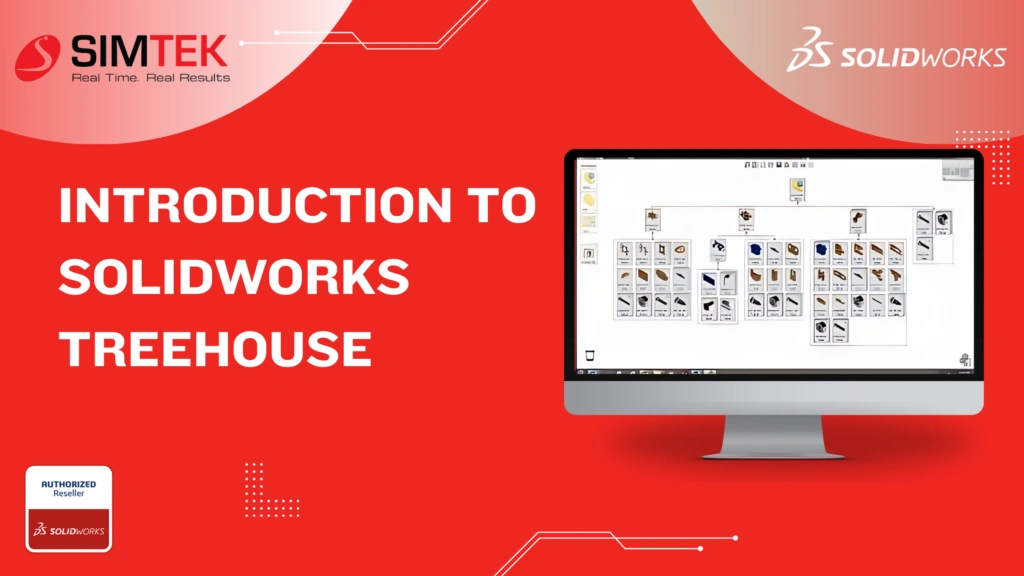
INTRODUCTION TO SOLIDWORKS TREEHOUSE
In Treehouse, you can set up your assembly hierarchy in a graphical user interface before you build your models in the SOLIDWORKS software. You can add to an existing file structure in Treehouse. Establishing Default Templates Choose a location for the templates you will use to build your assembly, and select the folder for importing […]
How To Manage Documents Using The 3DEXPERIENCE Platform Effective Document
Document management is crucial for success across various business sectors. Organizations often face the challenge of efficiently and securely organizing, accessing, and collaborating on a diverse range of file formats, including engineering blueprints, regulatory compliance documents, and multimedia presentations. The ‘Document Management app on the 3DEXPERIENCE Platform can enhance your organization’s productivity by addressing these […]

Download SOLIDWORKS 2024
When searching for SolidWorks, one of the most popular 3D CAD software tools, it’s common to stumble upon various links that promise easy downloads. But before you click on those enticing links, it’s essential to understand what you’re getting into, especially if the download seems too good to be true. Using pirated versions of SolidWorks […]

How to Download SOLIDWORKS: Free Guide
This guide will walk you through the process of downloading SOLIDWORKS, with a special focus on how you can easily access it through SIMTEK, an authorized SOLIDWORKS reseller. Why Choose SOLIDWORKS? Before we get into the download process, here’s why it is the preferred choice for many professionals and students alike: Steps to Download SOLIDWORKS […]
The 3DEXPERIENCE Platform’s User Group Creation Guide
The 3dexperience Platform’s User Group Creation Guide On the 3DEXPERIENCE Platform, creating user groups can save time when sharing data, giving roles, and other tasks. Creating a User Group First, use the User Groups compass to access the app. Searching for it is the simplest way to locate it, or any role or program. […]