
3DEXPERIENCE 3DSpace App
3DSpace App is a core application of the 3DEXPERIENCE platform designed for project management and collaboration. It serves as a centralized repository for project data, enabling teams to access, manage, and share information seamlessly. Features: 1. Centralized Data Management 3DSpace allows users to store and organize all project-related information in one location. 2. Intuitive User […]
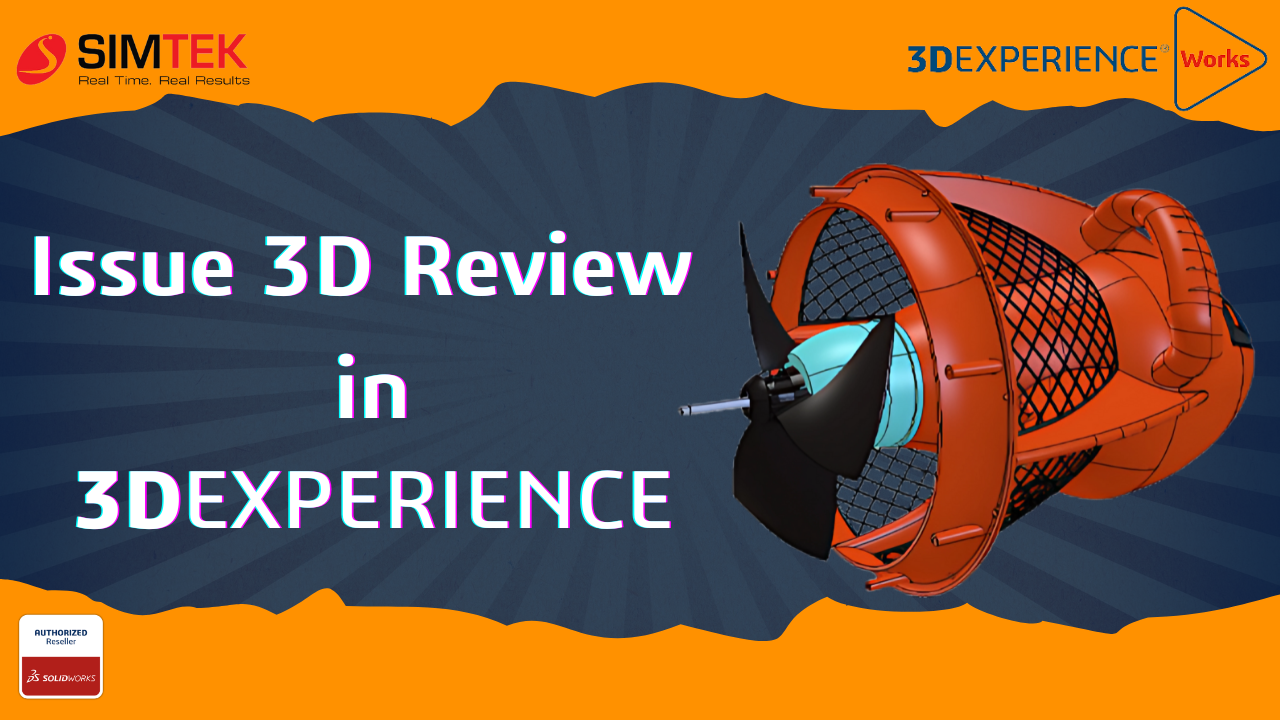
Issue 3D Review in 3DEXPERIENCE App
Moreover, the 3DEXPERIENCE platform includes a variety of applications, such as the Issue 3D Review app, designed to facilitate design, collaboration, and product lifecycle management. The 3D Review app is a crucial tool within this ecosystem; consequently, it focuses on the review and feedback process for 3D models. Steps to Use the Issue 3D Review […]
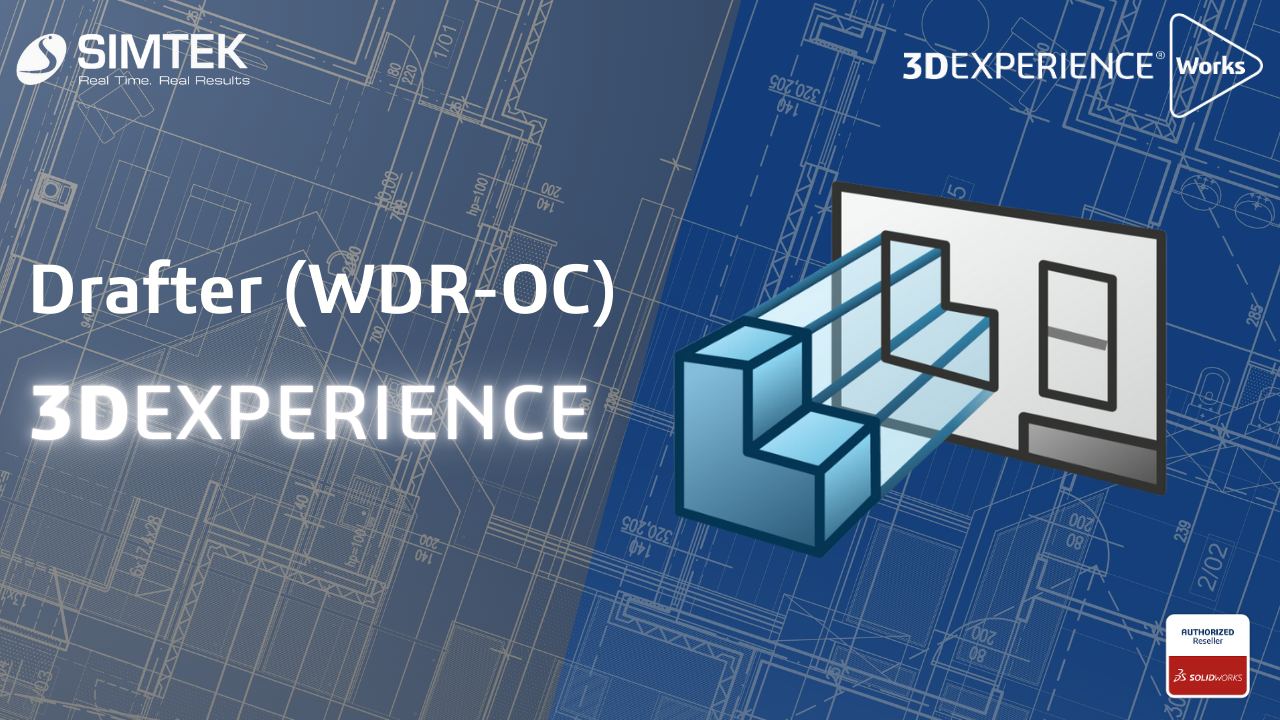
Drafter (WDR-OC) 3DEXPERIENCE
Drafter (WDR-OC) 3DEXPERIENCE Drafter WDR-OC enables rapid conversion of 3D models into accurate 2D drawings, significantly enhancing the product development cycle. With real-time updates, modifications to the 3D model are instantly reflected in the 2D drawings, minimizing errors. Users can easily annotate and dimension their drawings, facilitating clear communication among team members. Integrated with the […]
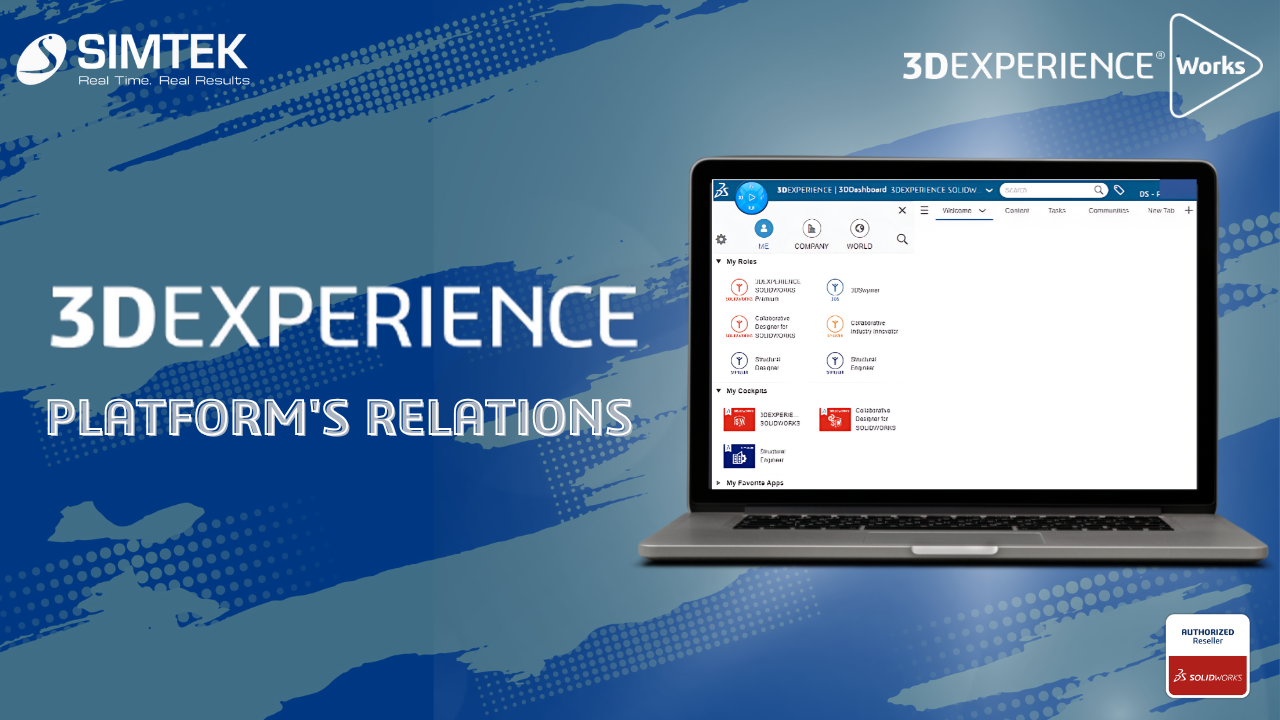
Transform Your Workflow with the 3DEXPERIENCE Platform’s Powerful Relations
The Relations app in the 3DEXPERIENCE platform is designed to help users manage and visualize relationships between various entities, such as parts, documents, and projects. This is a powerful tool for managing complex relationships in product development and ensuring that teams work cohesively. Using the Relations app: Benefits: Conclusion The Relations app in the 3DEXPERIENCE […]
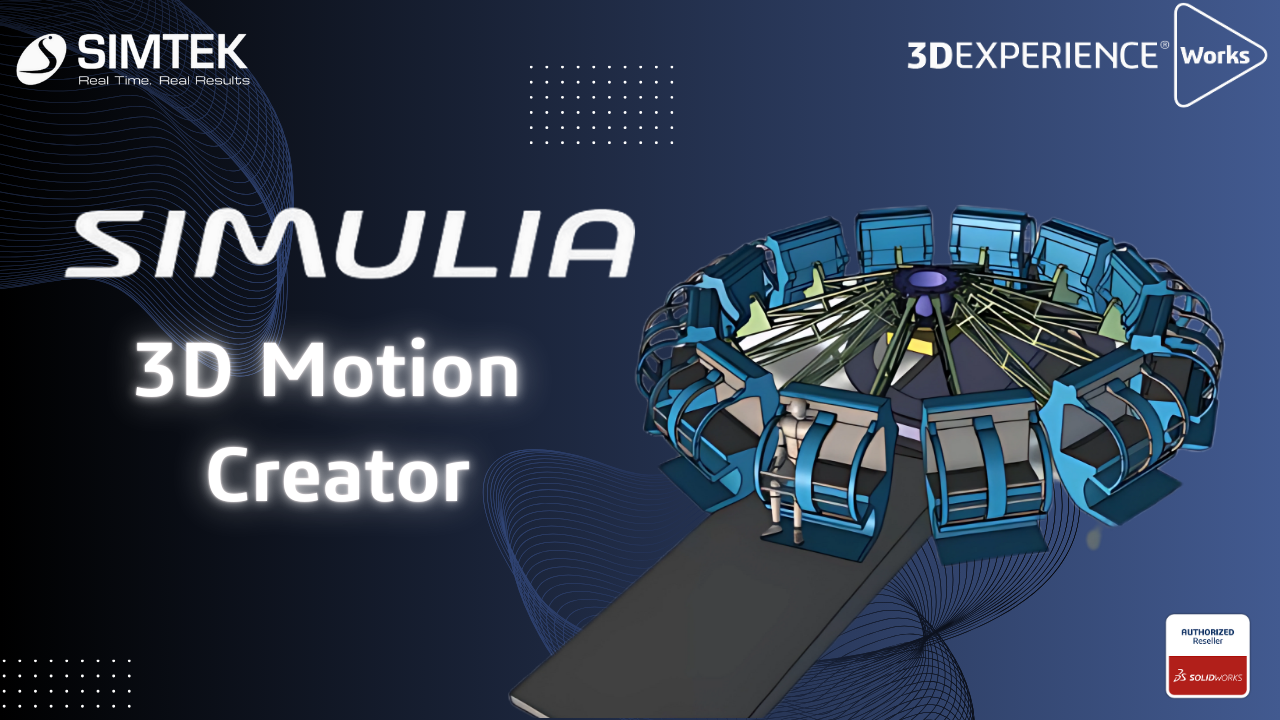
SIMULIA – 3D Motion Creator
The 3D Motion Creator role within the 3DEXPERIENCE platform offers powerful simulation tools for performing kinematic and dynamic motion analyses of assemblies. This browser-based solution allows you to simulate mechanical motion and interactions efficiently without needing any software installation, making it accessible from anywhere with an internet connection. Working with a kinematics player, you can […]
SOLIDWORKS PDM | How to Create Reference Between CAD & Non-CAD Files & Benefits of Contains & Where Used Tab
Introduction to SOLIDWORKS PDM: As You All Know SOLIDWORKS PDM is a Data Management Solution where You Can Secure/Organize/Manage You Data (CAD & Non-CAD). In this Blog We go through the Reference Management Tools Available in PDM. Creating Reference Between CAD & Non-CAD: Feature Name: Copy & Paste as Reference Scenario: An Excel & […]
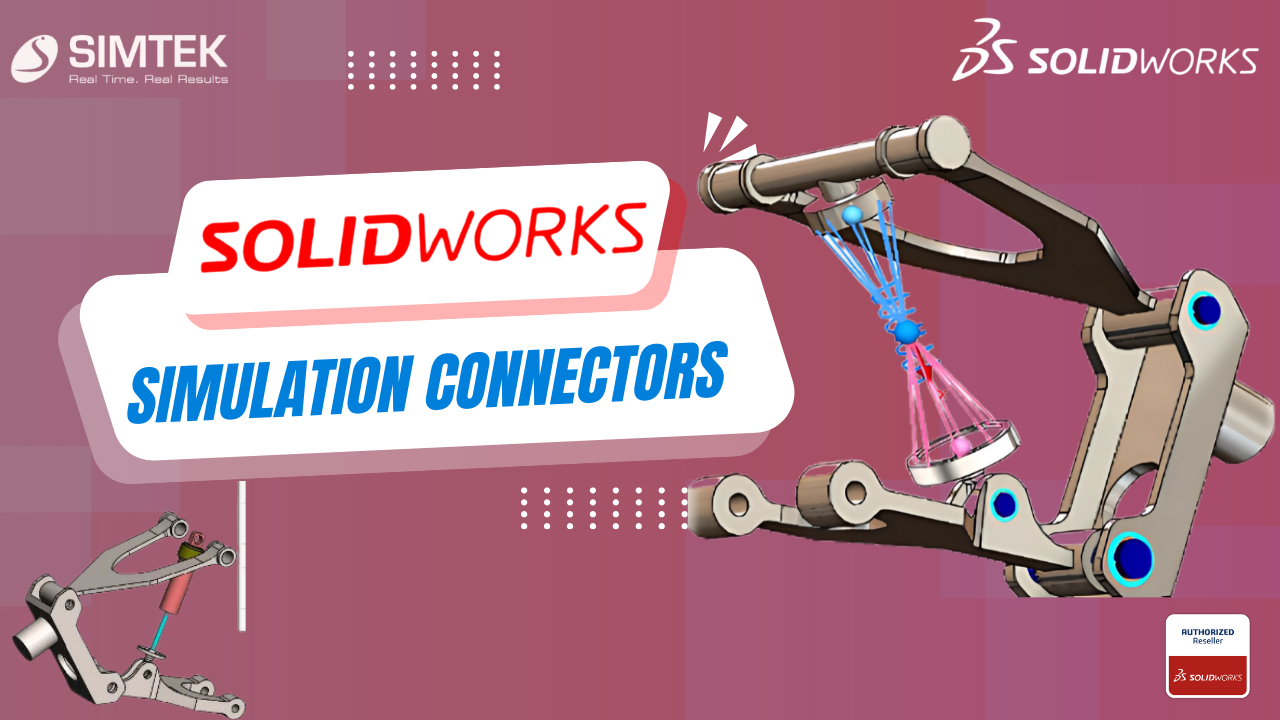
SOLIDWORKS SIMULATION CONNECTORS
Simulation Connectors may be used to simplify behaviour without including a physical part such as a bolt or pin. This is a primer on the different types of connectors available in SOLIDWORKS Simulation. Types of Connectors Springs There are 3 types of Springs: Pin An assembly consists of multiple parts connected to each other with […]
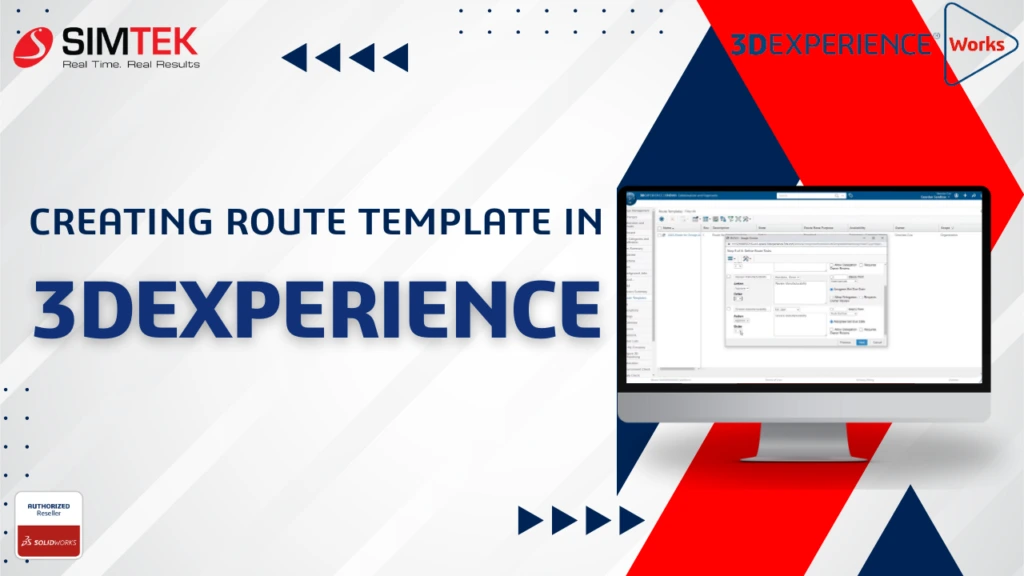
Creating Route Templates in 3DEXPERIENCE
A route template is a set of predetermined tasks that you can use repeatedly. Unlike creating a new route from scratch, using a template means that you do not have to perform a setup every time you need a new route. It is possible to create multiple different route templates. This enables you to define […]

Adjusting 3DEXPERIENCE Mouse Controls for SOLIDWORKS and Users
New users of the 3DEXPERIENCE platform might find the default mouse controls a bit different from what they are used to in desktop CAD applications like SOLIDWORKS. This can be initially disorienting as your muscle memory doesn’t align with the platform’s default control scheme. However, you can customize the mouse controls to match your preferred […]
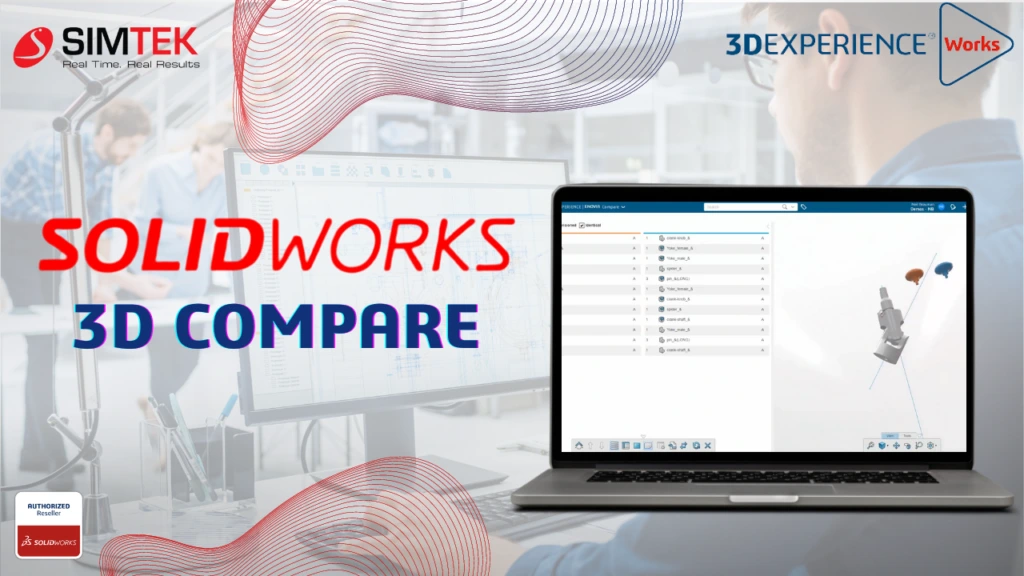
SOLIDWORKS 3D Compare
The powerful tool SOLIDWORKS 3D Compare streamlines the design review process by allowing users to visually compare different versions of 3D CAD models. Whether you’re tracking geometry changes, analyzing dimensions, or identifying discrepancies, this browser-based tool available within the Collaborative Industry Innovator role on the 3DEXPERIENCE platform ensures that design validation is efficient and accurate. […]