
SOLIDWORKS – Faster and Smarter Sheet Metal Design
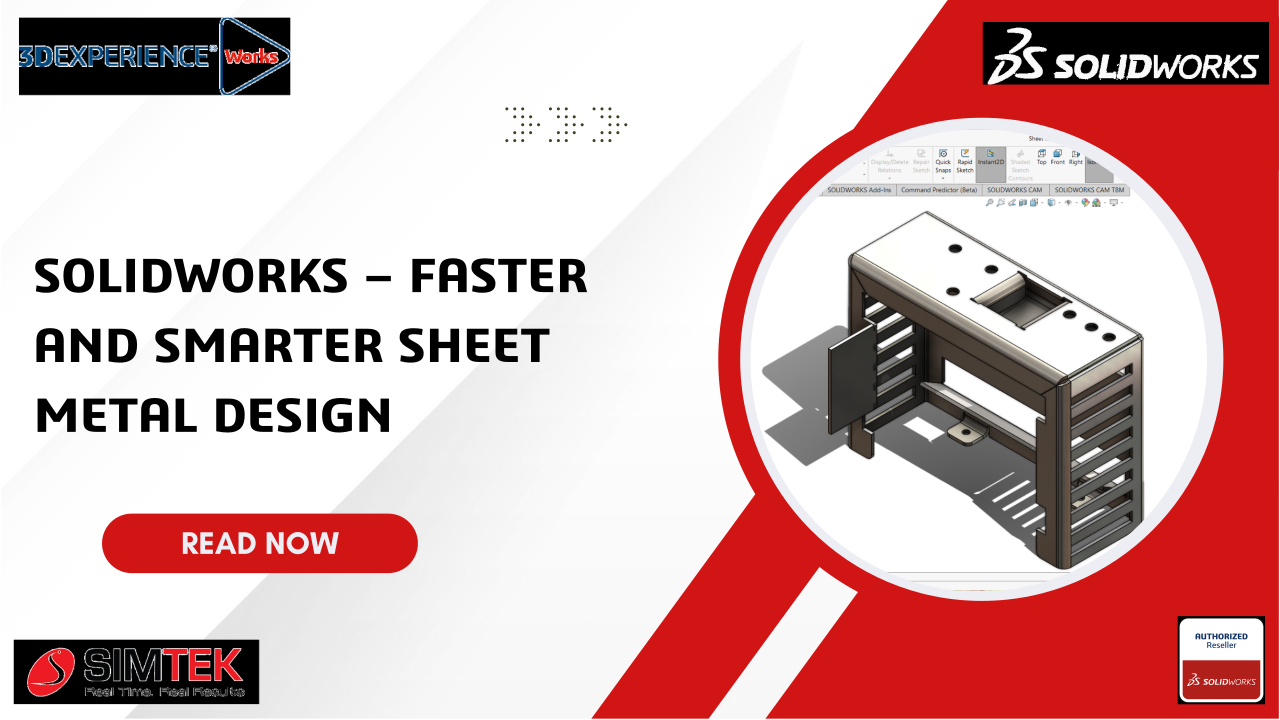
Create Complex Sheet Metal Parts Easily with SOLIDWORKS
Key Features:
- Create base flanges, bends, notches, and edge flanges quickly.
- Use tab and slot features for easy assembly.
- Supports complex sheet metal and structural designs.
Below is a Step-by-Step Guide:
- Create a Base Flange:
- Open a new part document.
- Select the Sheet Metal tab.
- Click Base Flange/Tab and sketch the desired profile.

- Add Edge Flanges:
- Use Edge Flange to create bends along edges.
- Adjust flange length and angle as required.

- Use Tab and Slot Feature:
- Go to Insert > Sheet Metal > Tab and Slot.
- Choose the pattern (Equal Offset, Centre Align, etc.) and apply.

- Add Bends and Notches:
- Go to Insert > Sheet Metal > Bend Notch.

- Select the edges and adjust parameters as needed.

Benefits:
- Faster creation of sheet metal parts.
- Reduces rework and increases accuracy.
- Simplifies design of complex structures.
Conclusion:
The Sheet Metal Tools in SOLIDWORKS help engineers design parts efficiently and accurately. Features like bend notches and tab-and-slot save time and ensure high-quality results.