SOLIDWORKS Advanced Training – Mold Tools & Surface
This advanced-level training is designed for users who want to master complex geometry creation and tooling design in SOLIDWORKS.
This advanced-level training is designed for SOLIDWORKS users who want to take their modeling skills beyond basic CAD and into the world of complex geometry and mold-ready tooling design. Whether you’re a mold designer, surface modeler, or product development engineer, this course provides the specialized techniques needed to build high-quality, production-ready models.
Over the course of 1 day (6 hours), you’ll dive deep into the surface modeling tools that allow you to create complex contours, repair imported geometry, and manipulate advanced curves and shapes. You’ll also explore the full mold design workflow in SOLIDWORKS, including core/cavity creation, parting surface generation, and shut-off surface techniques.
Learn how to:
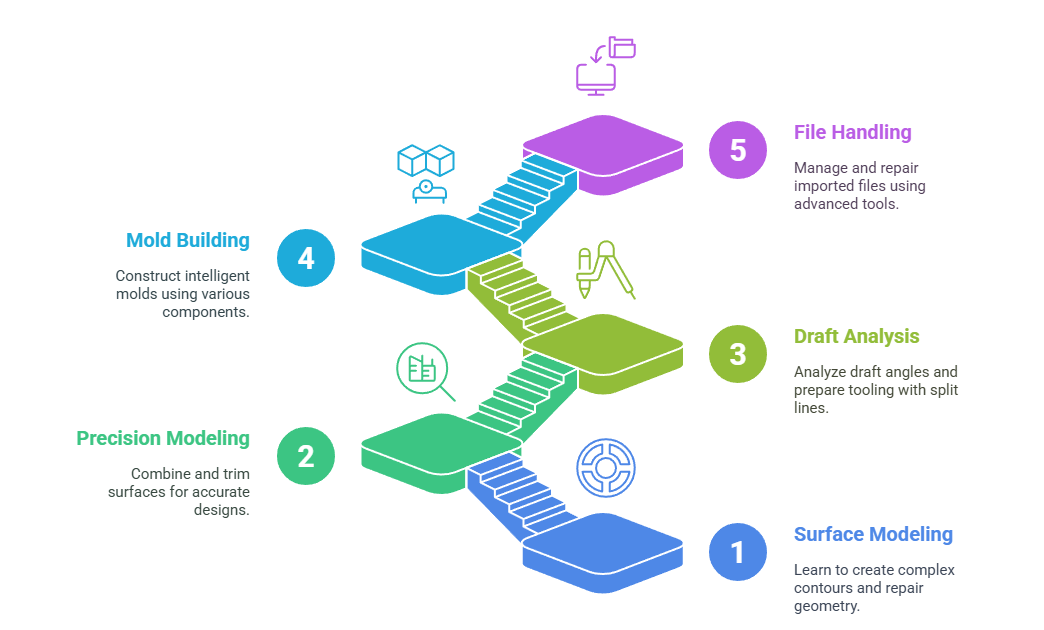
- Create smooth and controlled surfaces using lofts, boundaries, and sweeps
- Combine, trim, and knit surfaces for precision modeling
- Analyze draft angles and prepare tooling with split lines
- Build intelligent molds using mold base components, sliders, and interlocks
- Handle imported files using surfacing and repair tools
Delivered by certified SOLIDWORKS professionals, this course offers live, interactive training, along with downloadable resources, practice files, and real-world design exercises. It’s ideal for professionals working in injection molding, die design, consumer products, or plastic component development. By the end of the course, you’ll have the confidence to model complex surfaces, fix geometry issues, and create efficient, accurate tooling designs—all using the advanced capabilities of SOLIDWORKS.
What You’ll Get:
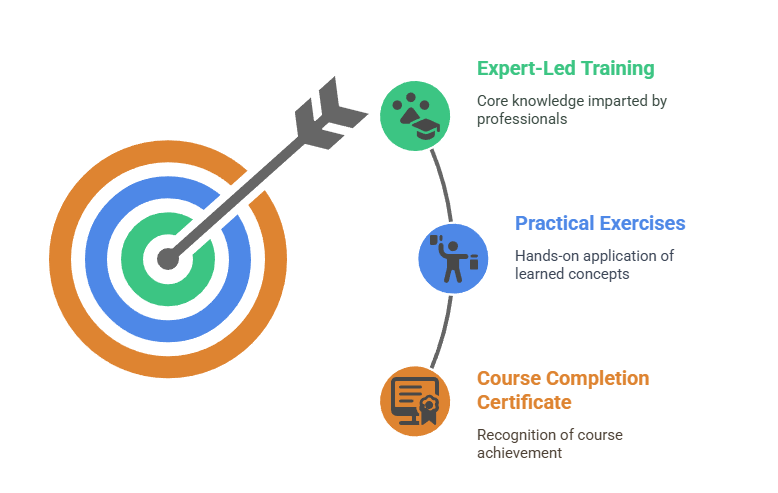
- 6 Hours of Expert-Led Training
- Practical Mold Design Exercises
- Course Completion Certificate
- Post-Training Support
Limited Seats – Secure your spot before it fills up!
Timing : 10:00 AM to 05:30 PM