
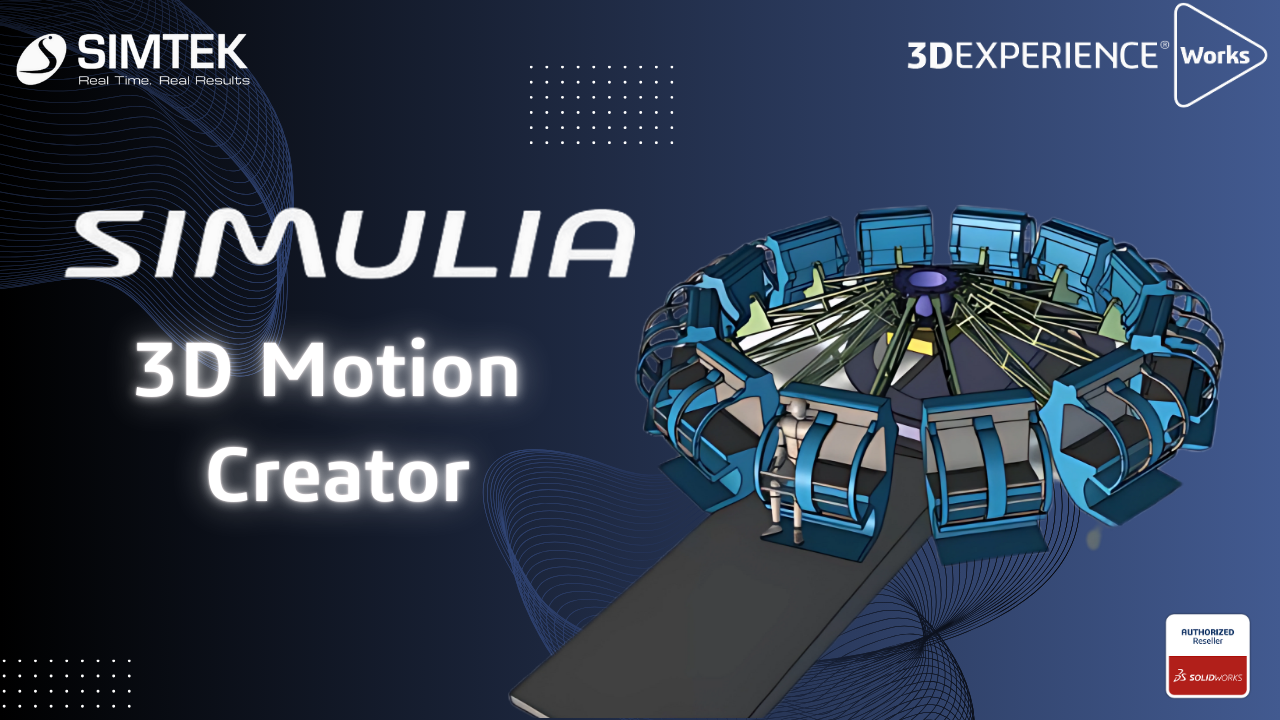
SIMULIA – 3D Motion Creator
The 3D Motion Creator role within the 3DEXPERIENCE platform offers powerful simulation tools for performing kinematic and dynamic motion analyses of assemblies. This browser-based solution allows you to simulate mechanical motion and interactions efficiently without needing any software installation, making it accessible from anywhere with an internet connection. Working with a kinematics player, you can […]
SOLIDWORKS PDM | How to Create Reference Between CAD & Non-CAD Files & Benefits of Contains & Where Used Tab
Introduction to SOLIDWORKS PDM: As You All Know SOLIDWORKS PDM is a Data Management Solution where You Can Secure/Organize/Manage You Data (CAD & Non-CAD). In this Blog We go through the Reference Management Tools Available in PDM. Creating Reference Between CAD & Non-CAD: Feature Name: Copy & Paste as Reference Scenario: An Excel & […]
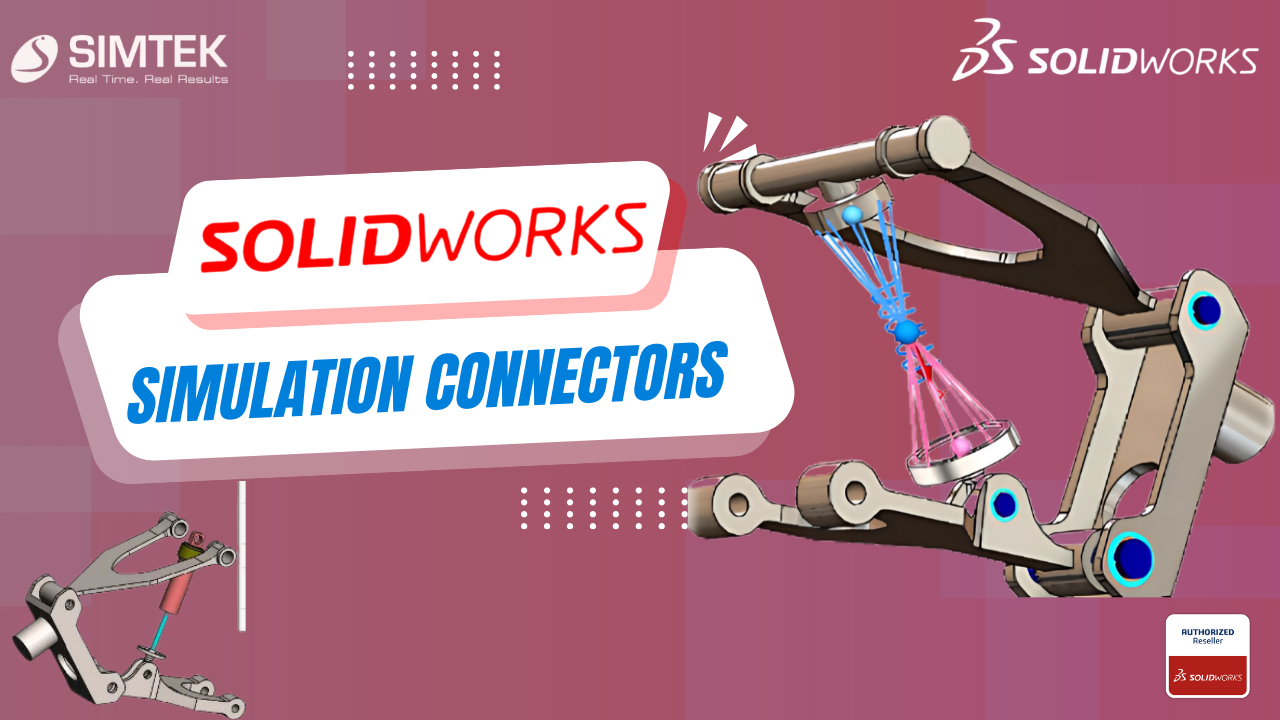
SOLIDWORKS SIMULATION CONNECTORS
Simulation Connectors may be used to simplify behaviour without including a physical part such as a bolt or pin. This is a primer on the different types of connectors available in SOLIDWORKS Simulation. Types of Connectors Springs There are 3 types of Springs: Pin An assembly consists of multiple parts connected to each other with […]
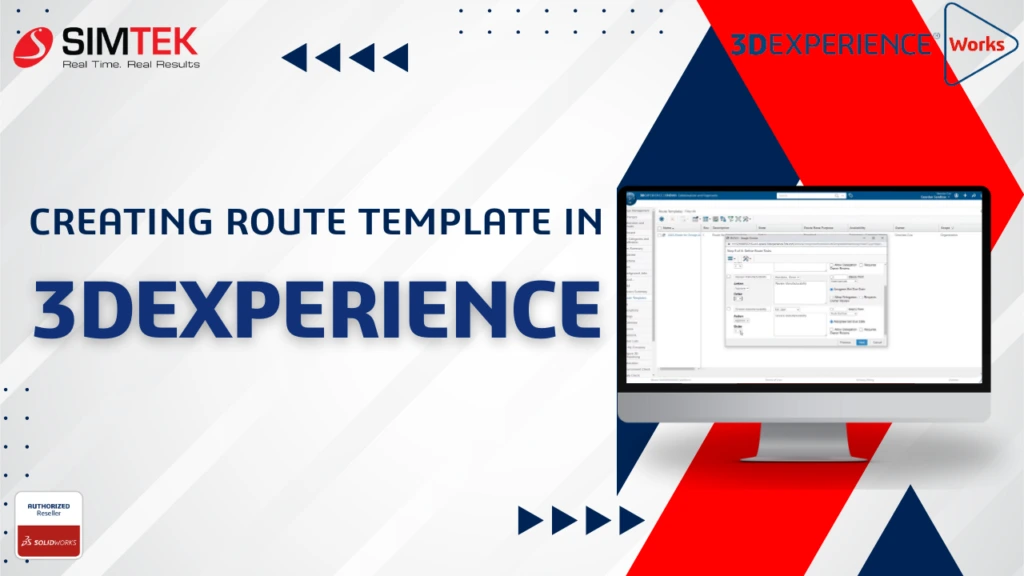
Creating Route Templates in 3DEXPERIENCE
A route template is a set of predetermined tasks that you can use repeatedly. Unlike creating a new route from scratch, using a template means that you do not have to perform a setup every time you need a new route. It is possible to create multiple different route templates. This enables you to define […]

Adjusting 3DEXPERIENCE Mouse Controls for SOLIDWORKS and Users
New users of the 3DEXPERIENCE platform might find the default mouse controls a bit different from what they are used to in desktop CAD applications like SOLIDWORKS. This can be initially disorienting as your muscle memory doesn’t align with the platform’s default control scheme. However, you can customize the mouse controls to match your preferred […]
SOLIDWORKS 3D Compare
The powerful tool SOLIDWORKS 3D Compare streamlines the design review process by allowing users to visually compare different versions of 3D CAD models. Whether you’re tracking geometry changes, analyzing dimensions, or identifying discrepancies, this browser-based tool available within the Collaborative Industry Innovator role on the 3DEXPERIENCE platform ensures that design validation is efficient and accurate. […]

3DEXPERIENCE PRODUCT EXPLORER: ENHANCE
Product Structure Explorer enables you to save your CAD files from cloud directly into your machines with few easy steps. The Product Explorer app comes with the Collaborative Industry Innovator role, allowing easy access with just a few steps. You can use it whether you’re working with SOLIDWORKS Cloud-connected roles, Collaborative Designer for SOLIDWORKS, or […]
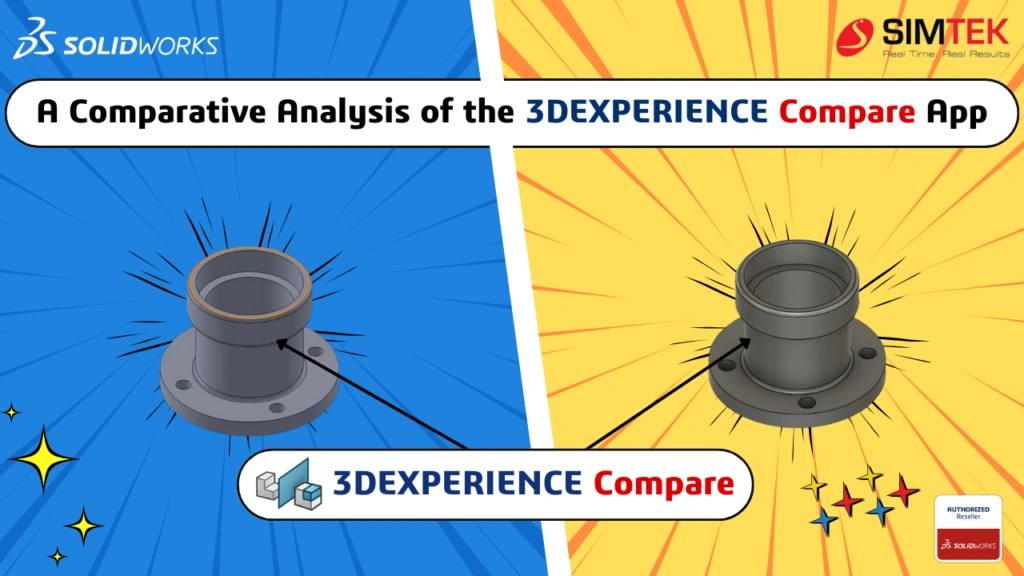
A Comparative Analysis of the 3DEXPERIENCE Compare App
The 3DEXPERIENCE Compare App facilitates visual comparisons between different versions of 3D models and documents. This application helps users quickly identify differences, ensuring they track and manage design changes effectively. Key Features of the Compare App The Compare App boasts a user-friendly interface that allows users to quickly upload and analyze files. This simplicity is […]

A Comprehensive Overview to Microsoft Applications – 3DEXPERIENCE Collaboration
This article thoroughly explains how to control document integrity by leveraging cooperation with Microsoft apps in conjunction with the 3DEXPERIENCE app. We’ll learn how to use Microsoft Documents and its accompanying tools and techniques. Setting up the essentials: Understanding what Collaboration for Microsoft really is: One easy option to batch upload both old data documents directly into designated bookmarks is through […]

DESIGN RULE CHECK IN SOLIDWORKS ELECTRICAL
Creation of a new schematic design in SOLIDWORKS Electrical and checking the accuracy of design by automation. In SOLIDWORKS ELECTRICAL, the creation of drawings has number of automations, to ensure the design is correct an option CHECK(DRC) will be useful. STEP 1 STEP 2 DRC option STEP 3 DRC Management Tab STEP 4 CONFIGURATION SELECTOR […]