
SOLIDWORKS FloXpress Tutorial: A Step-by-Step Guide to Your First CFD Analysis
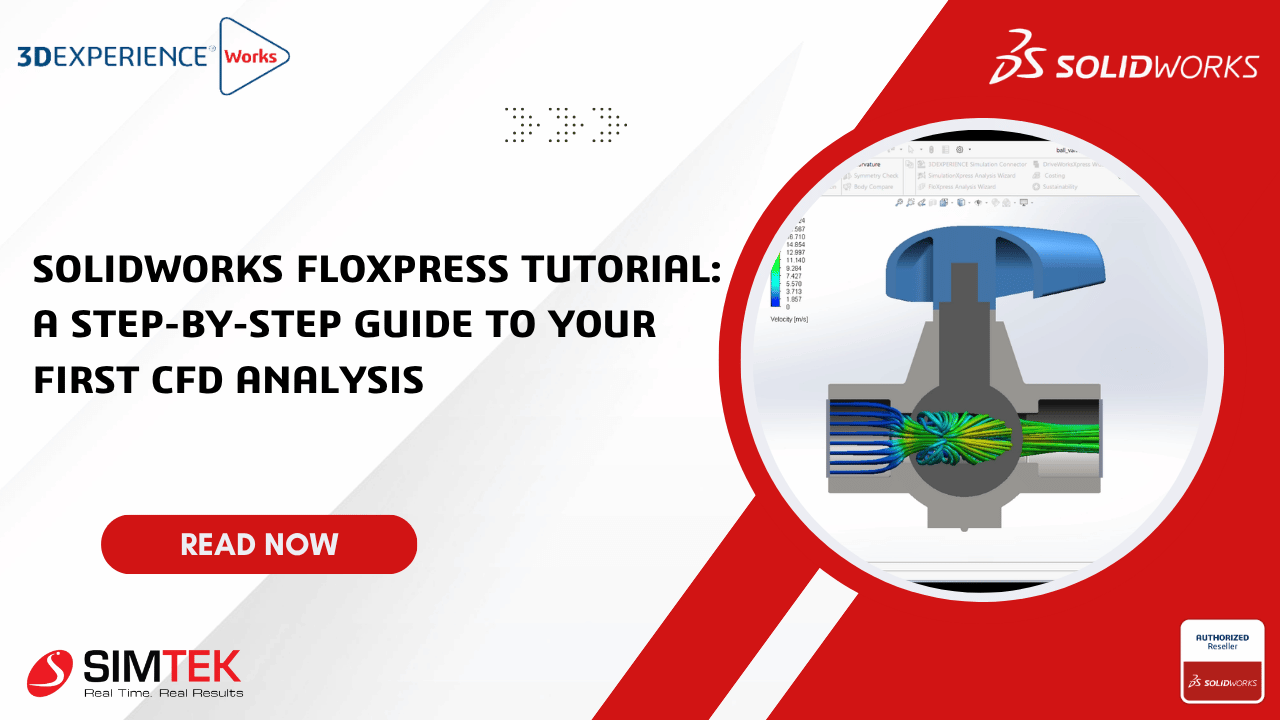
solidworks floxpress

Introduction

Before manufacturing a product, engineers often need to answer questions  like:

  • Will air or water flow smoothly through my design?

  • Is there excessive pressure drop?

  • Is the passage too restrictive?

  • Can I visualize the flow path?

For simple internal flow analysis, you don't always need a full Computational Fluid Dynamics (CFD) package.SOLIDWORKS FloXpress is a free built-in simulation tool that lets you perform quick internal flow studies directly inside SOLIDWORKS.

In this tutorial, we'll analyze the airflow through a simple pipe assembly and learn how to interpret the results.

Step 1 – Activate FloXpress


  • Go to

  • Tools Xpress Products FloXpress

  • If using it for the first time, activate the Xpress tools using the provided workflow.

Step 2 – Prepare the Geometry

FloXpress analyzes only one enclosed internal cavity. If your inlet and outlet are open, you must create solid lids to seal them before running the analysis. Surface bodies cannot be used as lids. 

  • Create lids using
  • Insert Boss Extrude

Step 3 – Start the Wizard

  • The FloXpress Wizard opens.
  • Click “Next”

Step 4 – Geometry Check

FloXpress checks

  • Closed cavity 
  • Leaks 
  • Multiple cavities 

If successful “Geometry Passed”

Otherwise “Fix any gaps or openings.”

Step 5 – Select the Fluid

Choose

  • Air 

  • Water

Step 6 – Define the Inlet

Select the inlet face.

Specify either

  • Velocity 

  • Volume Flow Rate 

  • Mass Flow Rate

Step 7 – Define the Outlet

Select the outlet face.

Usually

Pressure = Atmospheric

Step 8 – Solve

The solver calculates

  • Velocity field 
  • Flow direction 
  • Pressure distribution 

Depending on your computer, this usually completes within a few seconds.

Conclusion

SOLIDWORKS FloXpress is an excellent starting point for engineers exploring Computational Fluid Dynamics. Although it is limited compared to the full Flow Simulation package, it provides valuable insights into internal airflow and pressure behavior with minimal setup. By following the wizard-based workflow, you can identify design bottlenecks, optimize flow paths, and reduce the need for physical prototypes early in the design cycle.

Frequently Asked Questions (FAQs)

Learn more about SOLIDWORKS FloXpress, its capabilities, setup process, and how it helps engineers perform quick internal flow analysis.

What is SOLIDWORKS FloXpress and what is it used for?
SOLIDWORKS FloXpress is a free, built-in simulation tool included with SOLIDWORKS that performs basic internal fluid flow analysis. It enables engineers to visualize airflow or water flow, evaluate pressure drops, analyze flow direction, and identify restrictive passages without requiring the full SOLIDWORKS Flow Simulation package. It is ideal for quick design validation during the early stages of product development.
What should be prepared before running a FloXpress simulation?
Before starting a FloXpress analysis, your model must contain a single enclosed internal cavity. Any open inlet or outlet should be sealed with solid lids, and the software automatically checks the geometry for leaks, gaps, and multiple cavities before the simulation begins.
What results does SOLIDWORKS FloXpress provide?
After solving the model, FloXpress generates velocity fields, flow direction, and pressure distribution results. These insights help engineers identify design bottlenecks, optimize internal flow paths, and reduce the need for physical prototypes during the design process.