Key Benefits
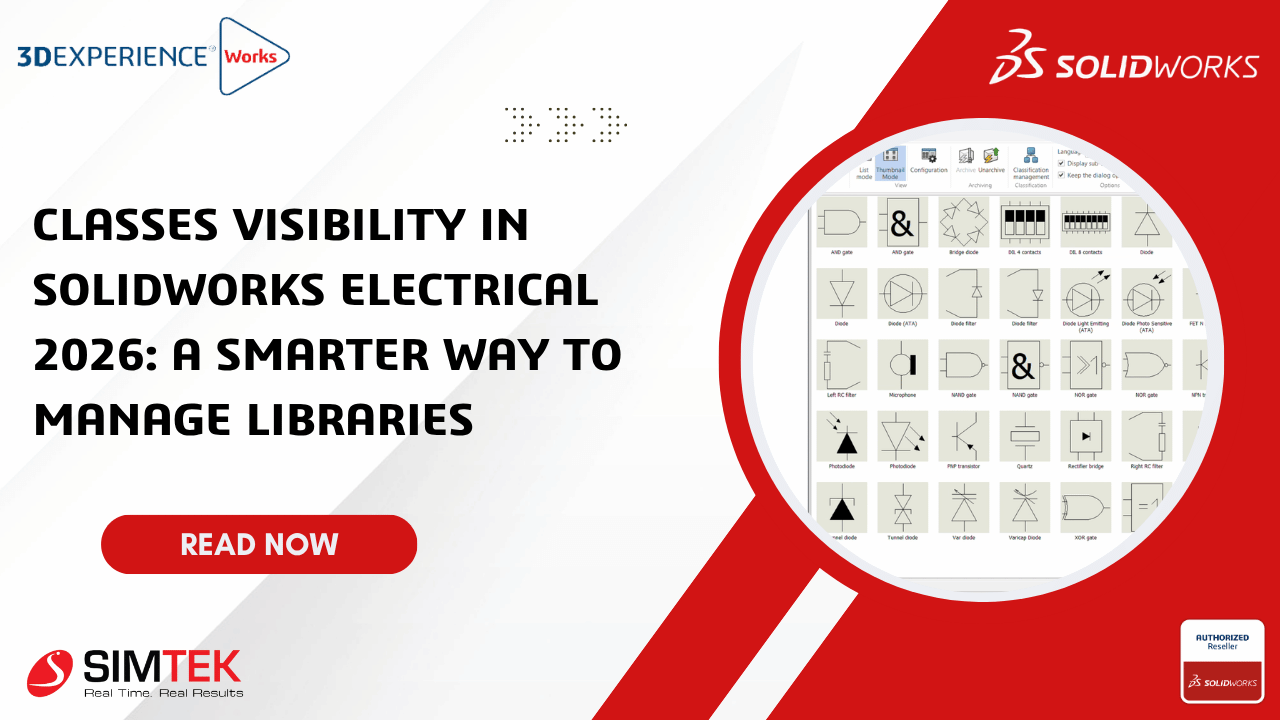
📁 Show or Hide Library Classes
Enable or disable specific library classes without deleting any data.
- Cleaner interface
- Faster navigation
- Reduced visual clutter
- Easier library management
🎯 Project-Specific Library Views
Display only the component classes required for each project.
- Faster component selection
- Improved workflow
- Simplified project setup
- Better organization
🔍 Improved Search Performance
Reduce visible classes to make searches faster and more accurate.
- Focused search results
- Less manual filtering
- Faster design process
- Improved accuracy
📚 Better Library Organization
Maintain one centralized library while displaying only relevant classes.
- Easier maintenance
- Standardized libraries
- Better scalability
- Reduced administration effort
Benefits for Engineering Teams
- Increased Productivity – Spend less time searching and more time designing.
- Improved Standardization – Use centralized libraries while displaying only relevant classes.
- Better Collaboration – Administrators maintain complete libraries while designers see only what they need.
- Easier Learning – A simplified interface helps new users become productive faster.
Real-World Example
Imagine an automation company maintaining thousands of electrical symbols, including PLCs, relays, sensors, terminals, hydraulic devices, and building automation components.
A controls engineer designing a PLC control panel only requires PLC-related components. Using Classes Visibility, unnecessary categories remain hidden, making the workspace cleaner and easier to navigate.
Results
- ✔ Faster symbol selection
- ✔ Cleaner navigation
- ✔ Improved design efficiency
- ✔ Reduced component selection errors
Before vs After: Classes Visibility
| Feature |
Traditional Library |
Classes Visibility |
| Library Display |
All classes visible |
Selected classes only |
| Navigation |
Manual browsing |
Quick and focused |
| Search Results |
Cluttered |
Filtered and relevant |
| Component Selection |
More time required |
Faster and easier |
| Productivity |
Lower |
Higher |
Industry Applications
Industrial Automation
Quickly access PLC, relay, and control system components without unnecessary library clutter.
Control Panel Manufacturing
Simplify navigation through extensive electrical libraries for faster panel design.
OEM Machine Building
Display only machine-specific components to improve engineering efficiency.
Electrical Consulting
Organize customer-specific libraries while maintaining one centralized database.
Manufacturing
Improve consistency across multiple engineering teams with standardized libraries.
Why This Feature Matters
- Faster library navigation
- Improved component selection
- Better organization
- Reduced design errors
- Increased engineering productivity
- Simplified management of large libraries
Final Thoughts
Classes Visibility is one of the practical productivity enhancements introduced in SOLIDWORKS Electrical 2026. By allowing engineers to control which library classes are displayed, it creates a cleaner interface, speeds navigation, and simplifies component selection.
Whether you're designing industrial automation systems, electrical control panels, or OEM machinery, this feature helps streamline your workflow while maintaining organized and standardized libraries. As electrical projects continue to grow in complexity, smarter library management tools like Classes Visibility enable engineering teams to work faster, reduce errors, and deliver projects more efficiently.