
Drafter (WDR-OC) 3DEXPERIENCE
Drafter (WDR-OC) 3DEXPERIENCE Drafter WDR-OC enables rapid conversion of 3D models into accurate 2D drawings, significantly enhancing the product development cycle. With real-time updates, modifications to the 3D model are instantly reflected in the 2D drawings, minimizing errors. Users can easily annotate and dimension their drawings, facilitating clear communication among team members. Integrated with the […]
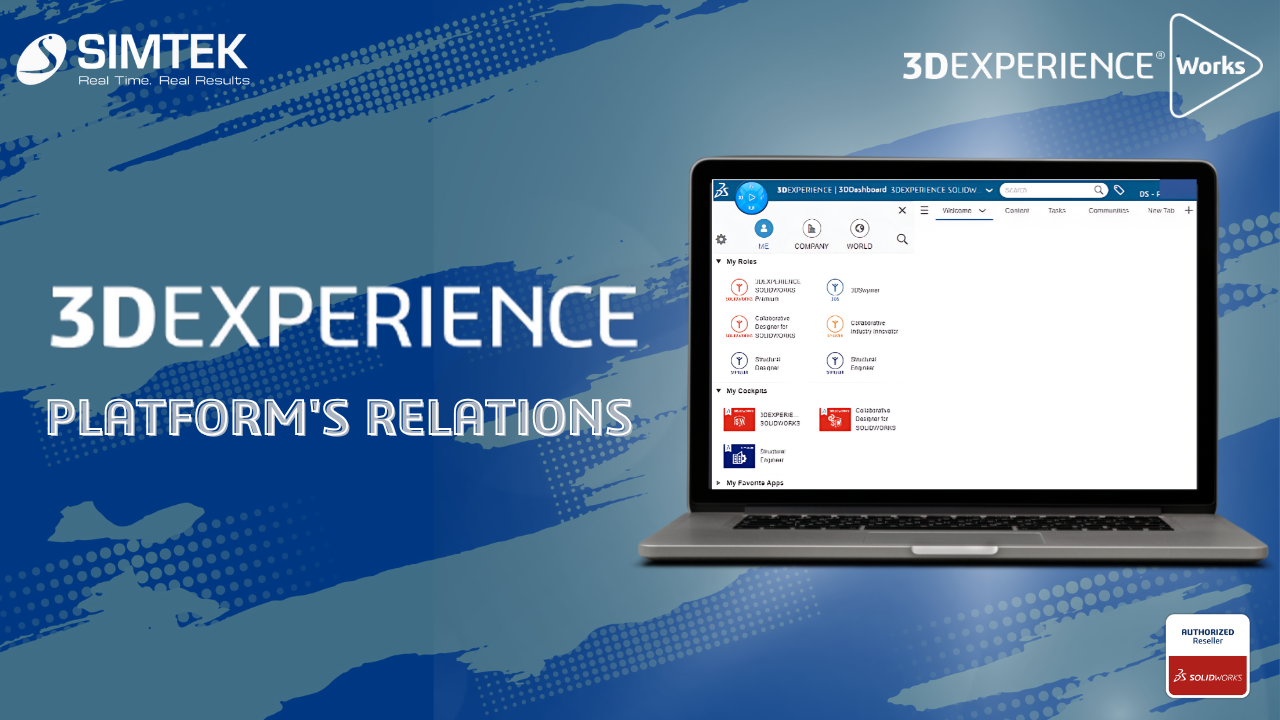
Transform Your Workflow with the 3DEXPERIENCE Platform’s Powerful Relations
The Relations app in the 3DEXPERIENCE platform is designed to help users manage and visualize relationships between various entities, such as parts, documents, and projects. This is a powerful tool for managing complex relationships in product development and ensuring that teams work cohesively. Using the Relations app: Benefits: Conclusion The Relations app in the 3DEXPERIENCE […]
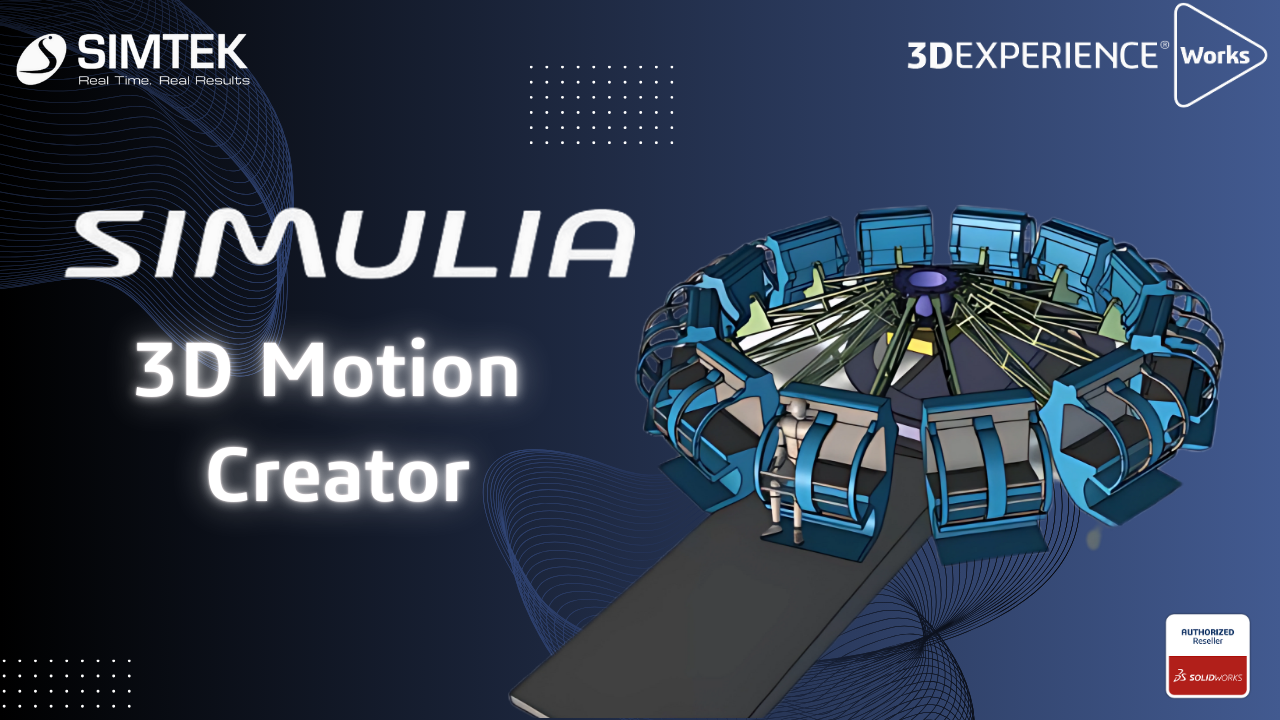
SIMULIA – 3D Motion Creator
The 3D Motion Creator role within the 3DEXPERIENCE platform offers powerful simulation tools for performing kinematic and dynamic motion analyses of assemblies. This browser-based solution allows you to simulate mechanical motion and interactions efficiently without needing any software installation, making it accessible from anywhere with an internet connection. Working with a kinematics player, you can […]
SOLIDWORKS PDM | How to Create Reference Between CAD & Non-CAD Files & Benefits of Contains & Where Used Tab
Introduction to SOLIDWORKS PDM: As You All Know SOLIDWORKS PDM is a Data Management Solution where You Can Secure/Organize/Manage You Data (CAD & Non-CAD). In this Blog We go through the Reference Management Tools Available in PDM. Creating Reference Between CAD & Non-CAD: Feature Name: Copy & Paste as Reference Scenario: An Excel & […]
Route Management in 3DEXPERIENCE
Route Management in 3DEXPERIENCE simplifies workflows by automating tasks, tracking reviews, and managing approvals for efficient design and release processes. A route is a set of tasks that a person defines for a group of people. Routes typically contain several tasks. However, it is also possible to create a route that contains a single task. […]
The 3DEXPERIENCE Platform’s User Group Creation Guide
The 3dexperience Platform’s User Group Creation Guide On the 3DEXPERIENCE Platform, creating user groups can save time when sharing data, giving roles, and other tasks. Creating a User Group First, use the User Groups compass to access the app. Searching for it is the simplest way to locate it, or any role or program. […]
3DEXPERIENCE Collaborative Task
3dexperience Collaborative Task Task Management in Real-time and Seamless with 3DEXPERIENCE Works Innovation in the quickly evolving domains of technology and design depends on teamwork. The 3DEXPERIENCE platform is excellent at fostering adaptable teamwork and creative thinking. At the center of this collaborative revolution is the 3DEXPERIENCE Collaborative Task, a feature that allows teams to […]
Migrating SOLIDWORKS Files to the 3DEXPERIENCE Platform
Introduction Migrating SOLIDWORKS Files to the 3DEXPERIENCE Platform can be done with several tools available to prepare and move your SOLIDWORKS CAD files to the 3DEXPERIENCE platform. 1. SOLIDWORKS File Utilities All packages of 3DEXPERIENCE SOLIDWORKS and SOLIDWORKS Desktop include the SOLIDWORKS File Utilities. The utilities are accessible when you right-click a SOLIDWORKS file in […]
How To Utilize The 3DEXPERIENCE Integration And Gain A Thorough Understanding Of Metadata
Introduction 3DEXPERIENCE Integration is a feature available for users of 3DEXPERIENCE on Cloud for managing SOLIDWORKS CAD data. The platform has been continuously providing companies with more customization options to tailor their experience. One of the critical features to be aware of is 3DEXPERIENCE Integration, which allows for improved metadata specification (such as part number, […]
3DEXPERIENCE SOLIDWORKS SHARE AND MARKUP
SOLIDWORKS Share and Markup simplifies design sharing with external stakeholders. They can view, annotate, and share comments on your designs. SOLIDWORKS Share and Markup streamlines collaboration. It allows external stakeholders to interact with your designs by viewing, annotating, and sharing comments. This functionality is available to anyone who has the 3DSwymer, Collaborative Designer for SOLIDWORKS […]