
SOLIDWORKS FloXpress Tutorial: A Step-by-Step Guide to Your First CFD Analysis
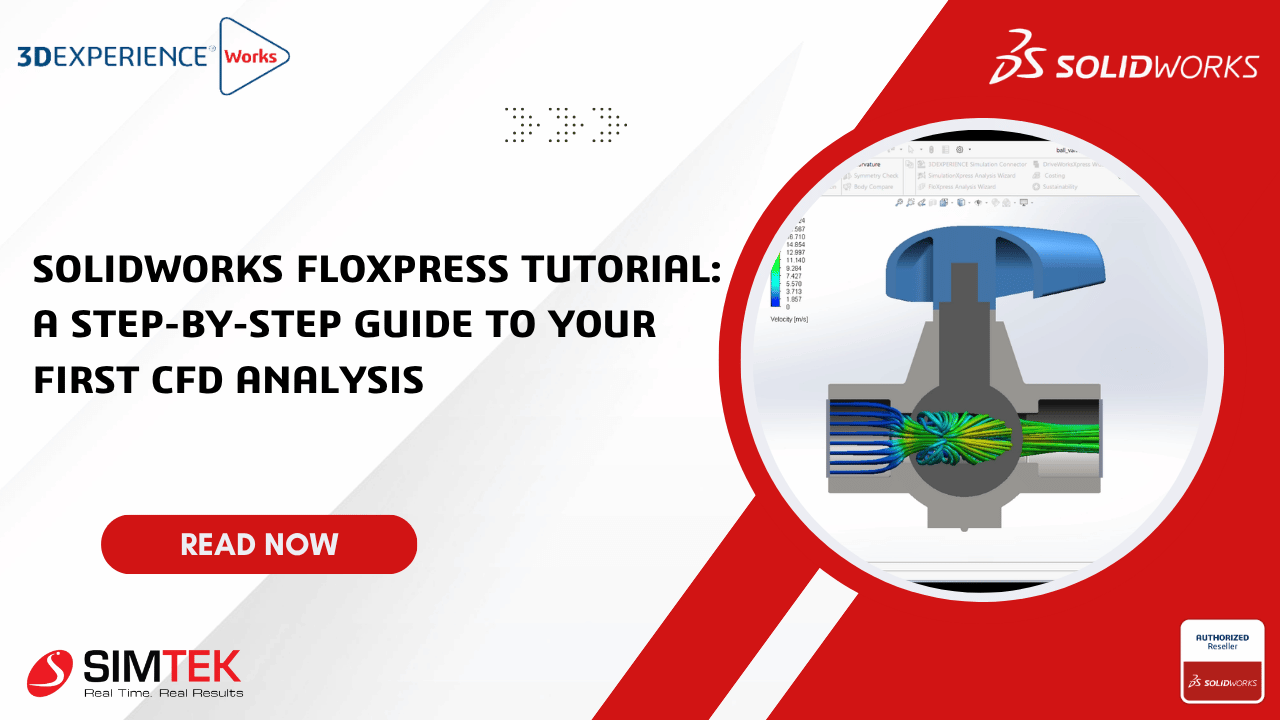
Introduction
For simple internal flow analysis, you don't always need a full Computational Fluid Dynamics (CFD) package.SOLIDWORKS FloXpress is a free built-in simulation tool that lets you perform quick internal flow studies directly inside SOLIDWORKS.
In this tutorial, we'll analyze the airflow through a simple pipe assembly and learn how to interpret the results.
Step 1 – Activate FloXpress
Step 2 – Prepare the Geometry
Step 3 – Start the Wizard
Step 4 – Geometry Check
Step 5 – Select the Fluid
Step 6 – Define the Inlet
Step 7 – Define the Outlet
Step 8 – Solve
Conclusion
SOLIDWORKS FloXpress is an excellent starting point for engineers exploring Computational Fluid Dynamics. Although it is limited compared to the full Flow Simulation package, it provides valuable insights into internal airflow and pressure behavior with minimal setup. By following the wizard-based workflow, you can identify design bottlenecks, optimize flow paths, and reduce the need for physical prototypes early in the design cycle.