
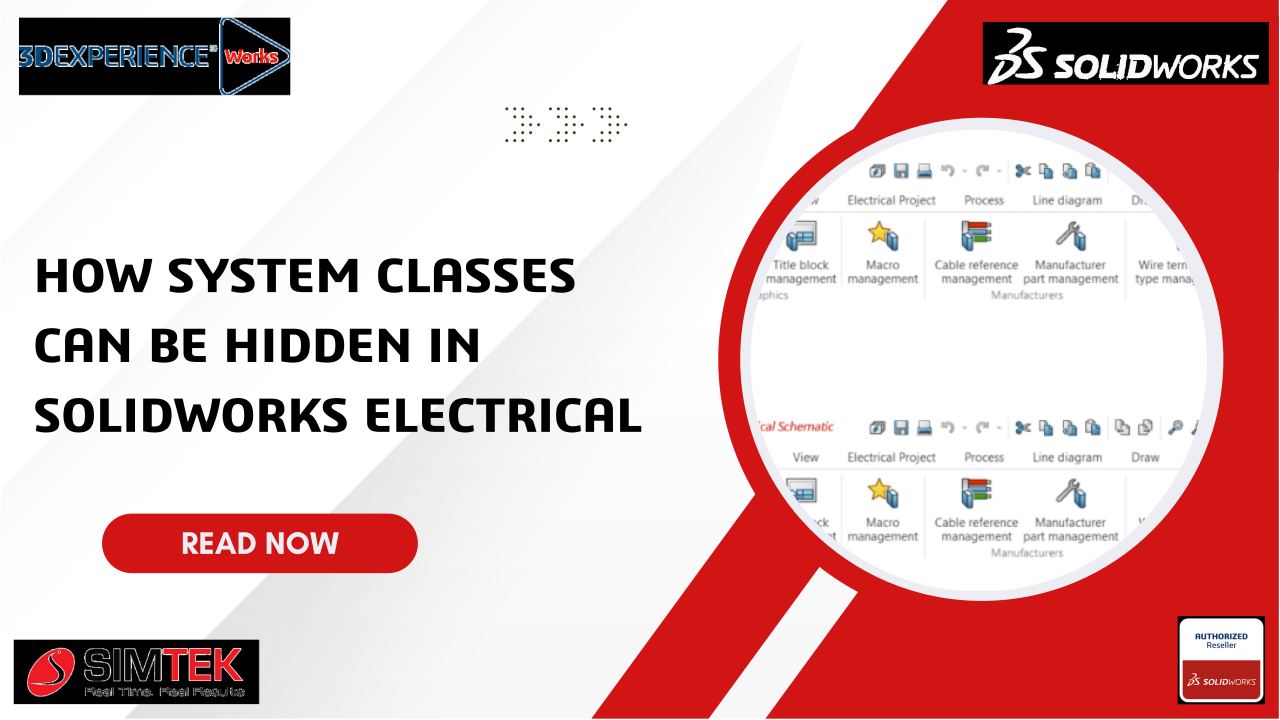
When large libraries are used in SOLIDWORKS Electrical, the classification tree may become crowded with built-in system classes such as Cables, Terminals, Connectors, and PLC Modules. Although these default classes are useful, situations may arise where only custom classifications need to be displayed in such cases, the “Hide System Classes” option can be utilized effectively.
What Are System Classes?
System classes are predefined categories that are automatically created by SOLIDWORKS Electrical to ensure components are organized efficiently.
Standard items are classified under these categories, including:
- Power supplies
- PLCs
- Terminals
- Cables
- Connectors
System classes cannot be deleted or renamed, but they can be hidden to maintain a cleaner and more focused workspace.
Steps to Have System Classes Hidden
From the Classification Manager
SOLIDWORKS Electrical should be opened.
The path Project → Libraries → Classifications Manager should be navigated.
In the toolbar, the option “Hide System Classes” should be selected.
Once this is done, the default system categories will be hidden, and only user-defined classifications will be shown.
Step-1:

Step-2:

In Classification Management
- The library → Classification Management option should be opened.
- The Filter icon on the top toolbar should be clicked.
- The checkbox for “Hide System Classes” should be enabled.
- Built-in classifications will then be excluded, allowing custom parts to be viewed more easily.
🎯 Why This Feature Should Be Used
- The classification tree can be kept clean and organized.
- Custom components can be located and focused on more easily.
- Confusion for new users or trainees can be reduced.
- Company-specific design standards can be maintained more effectively.
Key Benefits
| Benefit | Description |
|---|---|
| Simplified View | Unnecessary default classes are removed to maintain a neater interface. |
| Better Productivity | Only relevant components are focused on, saving valuable time. |
| Customization Focus | The visibility of company-specific standards is enhanced. |
| Easier Training | Only necessary categories are presented, helping new users understand quickly. |
Summary
The Hide System Classes feature in SOLIDWORKS Electrical is considered a small yet powerful function that can be used to streamline the workspace.
When default system categories are removed from view, complete focus can be maintained on user-defined classifications, resulting in improved efficiency, organization, and clarity throughout the design process.